Christmas photos · 8 free prompts

Christmas photo prompts for Gemini AI

Get a festive photo for your Christmas card, DP or Instagram without dressing up a whole room. Each prompt sets the scene: twinkling lights, snow, a decorated tree or a busy holiday market.

There are looks for one person, for couples, for families in matching pajamas and for a Christmas sweater party with friends.

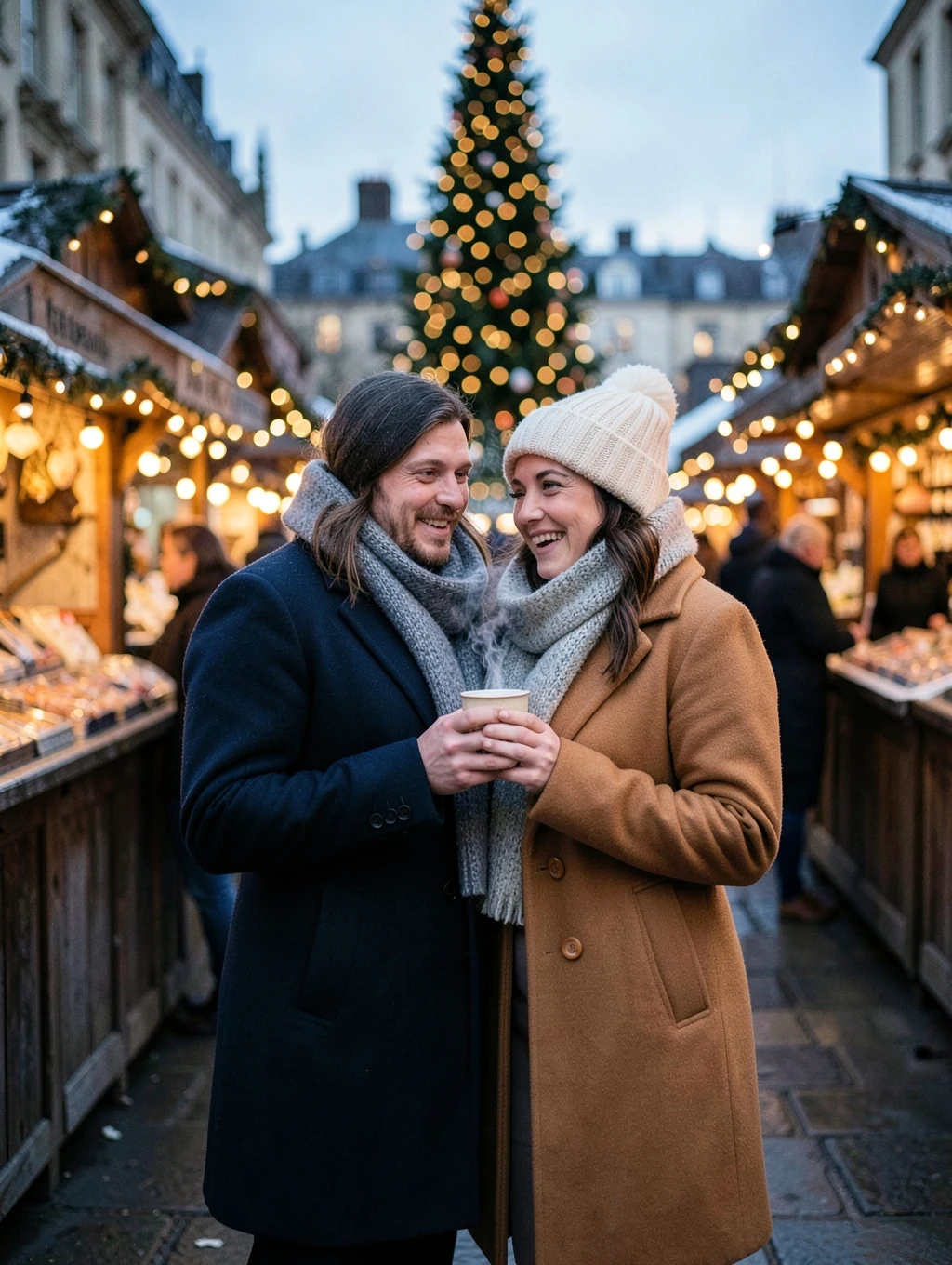
AI example image for the London Christmas Market Couple prompt

Couple

London Christmas Market Couple

Place them at a London Christmas market at dusk, standing close and sharing a cup of hot chocolate. He wears a navy wool overcoat and a grey scarf. She wears a camel coat and a cream knit beanie. Wooden stalls, strings of warm lights and a tall decorated tree glow out of focus behind them. 85mm lens, shallow depth of field.
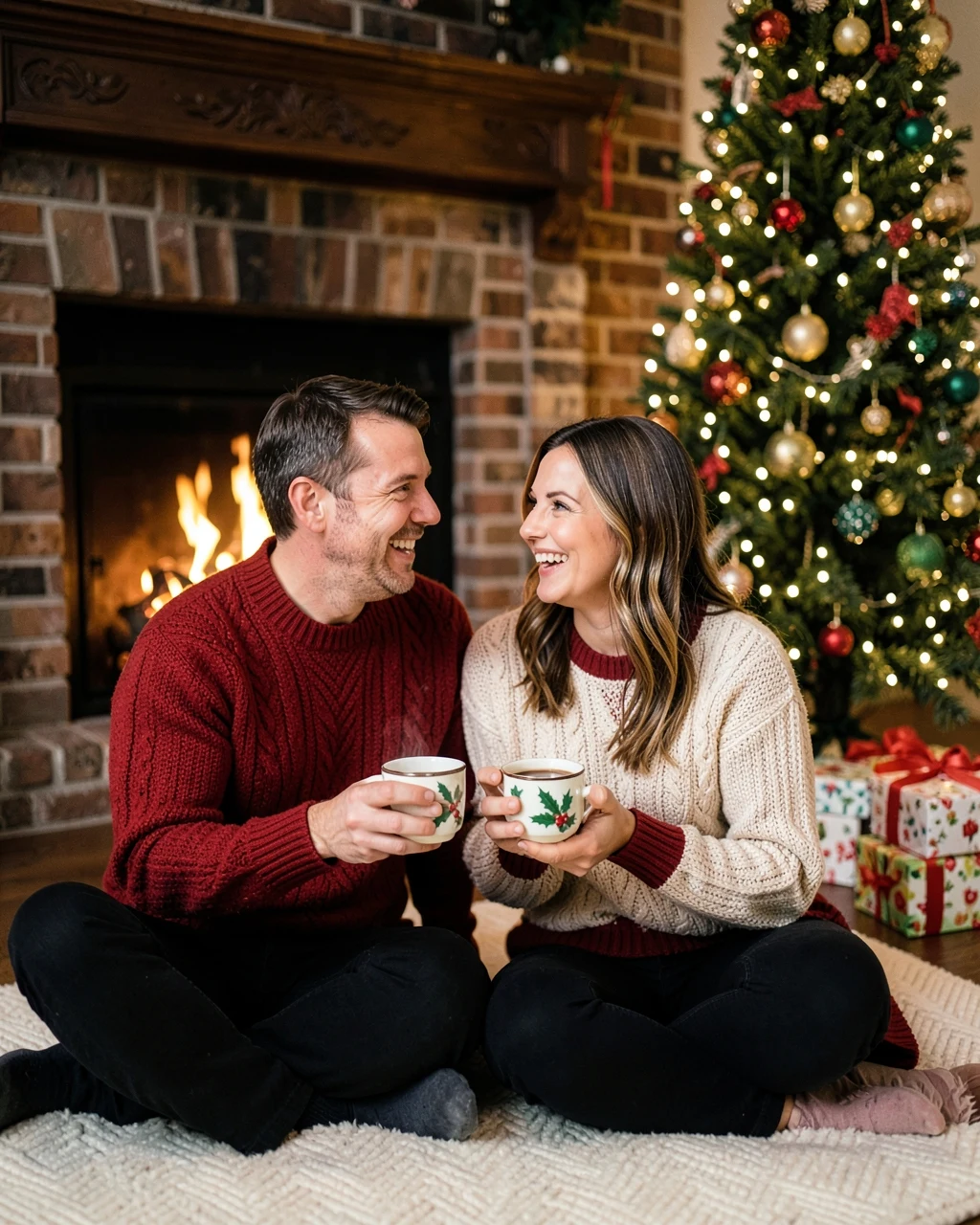
AI example image for the Christmas Fireplace Couple prompt

Couple

Christmas Fireplace Couple

Seat them on a rug in front of a brick fireplace on Christmas Eve, holding mugs of cocoa and laughing. Both wear matching red and cream knit sweaters. A decorated tree with warm lights and wrapped gifts stands beside them. Soft firelight on their faces, 50mm lens.

Christmas Tree Farm Couple

Couple

Christmas Tree Farm Couple

Show them at a snowy Christmas tree farm in Vermont, carrying a freshly cut fir tree together and laughing. Both wear warm knit hats, scarves and wool coats in red and cream. Rows of snow-covered pine trees behind them, soft winter daylight, 50mm lens.

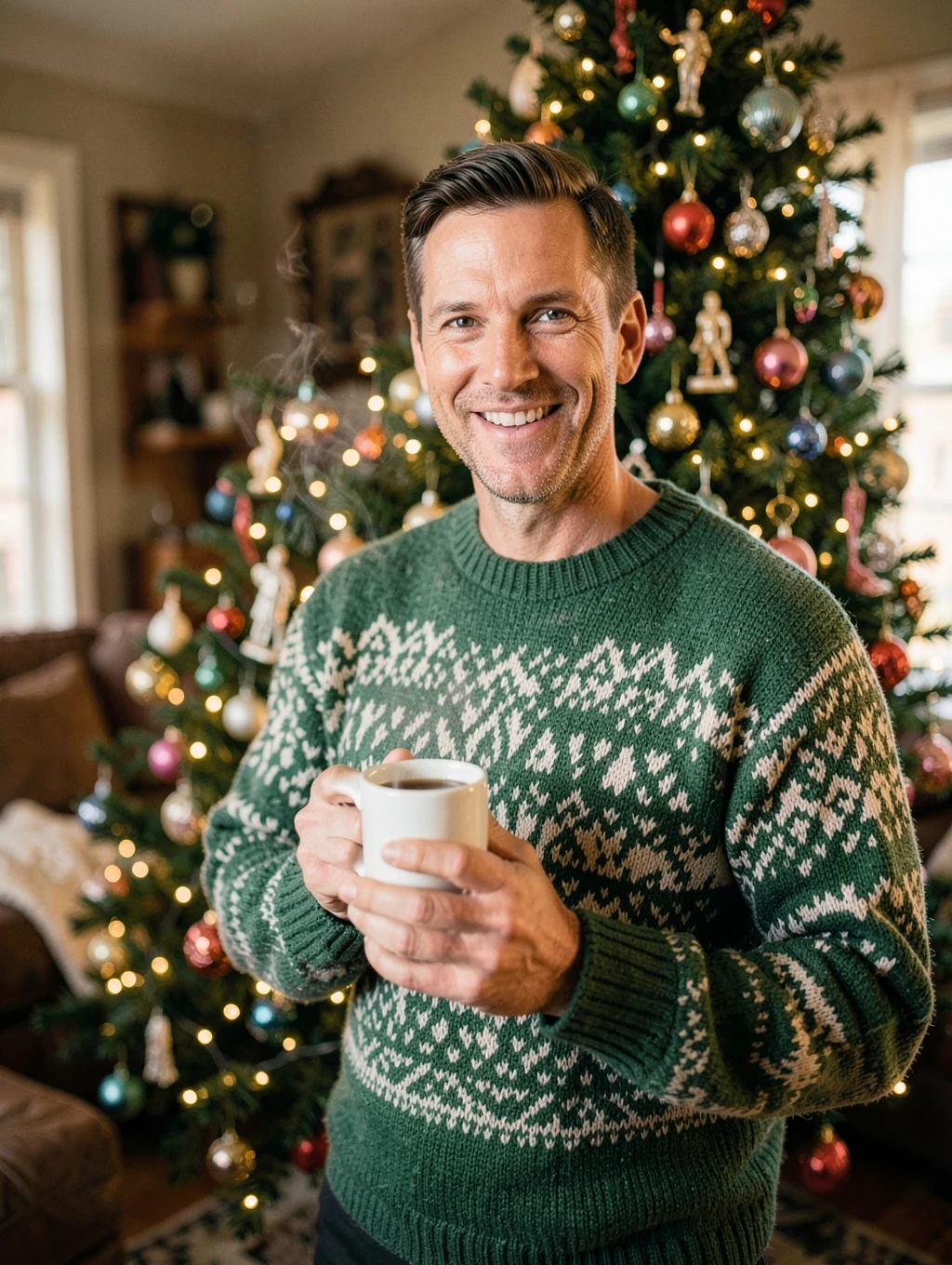
AI example image for the Christmas Sweater Portrait for Men prompt

Editing

Christmas Sweater Portrait for Men

Show the man standing beside a decorated Christmas tree in a warm living room, smiling and holding a mug. He wears a green and cream Nordic sweater. Warm fairy lights out of focus behind him, 85mm lens.

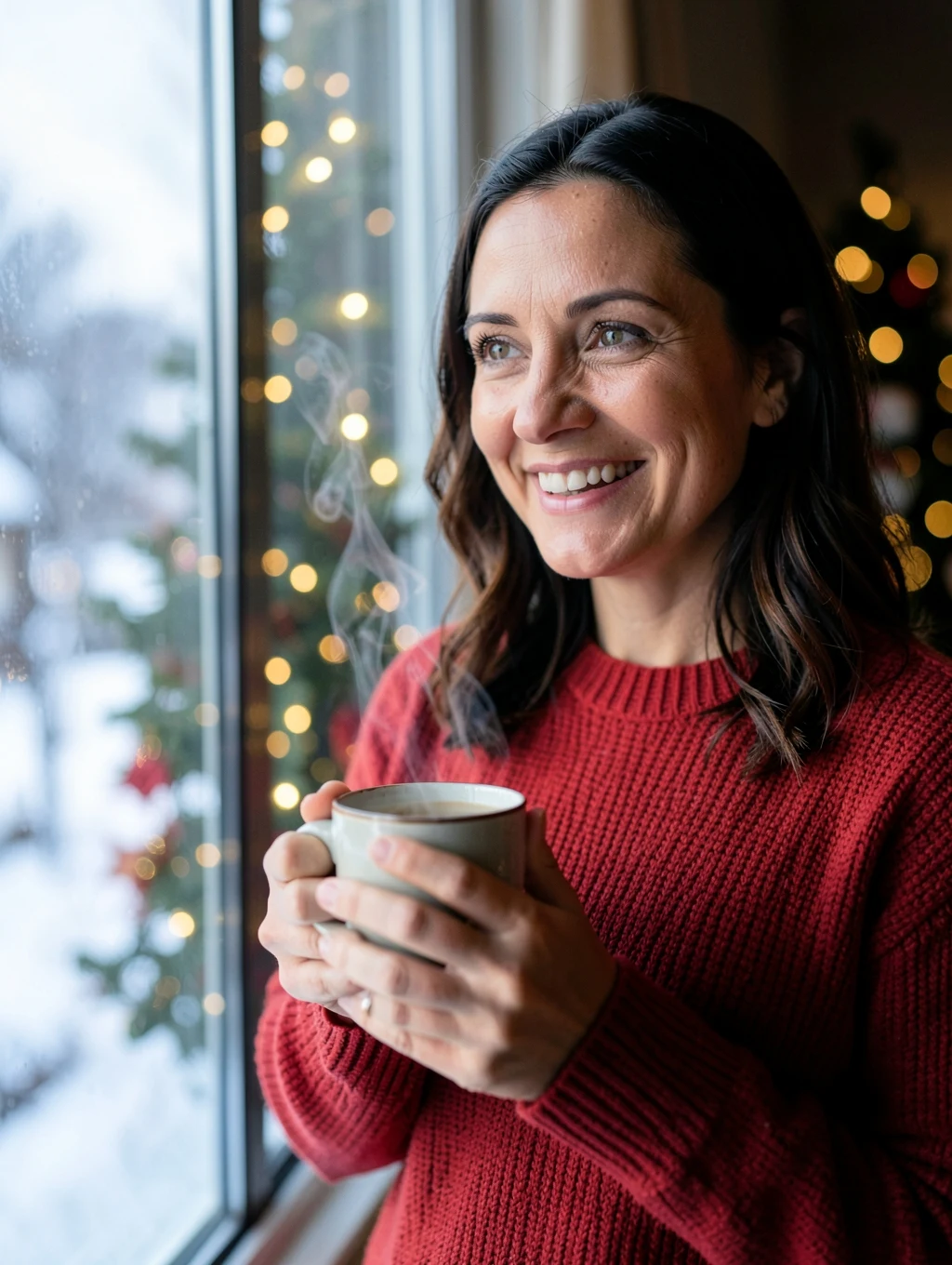
AI example image for the Christmas Sweater Portrait for Women prompt

Editing

Christmas Sweater Portrait for Women

Show the woman by a window on Christmas morning, holding a mug and smiling. She wears a soft red knit sweater. Snow outside, warm tree lights out of focus, gentle daylight on her face, 85mm lens.

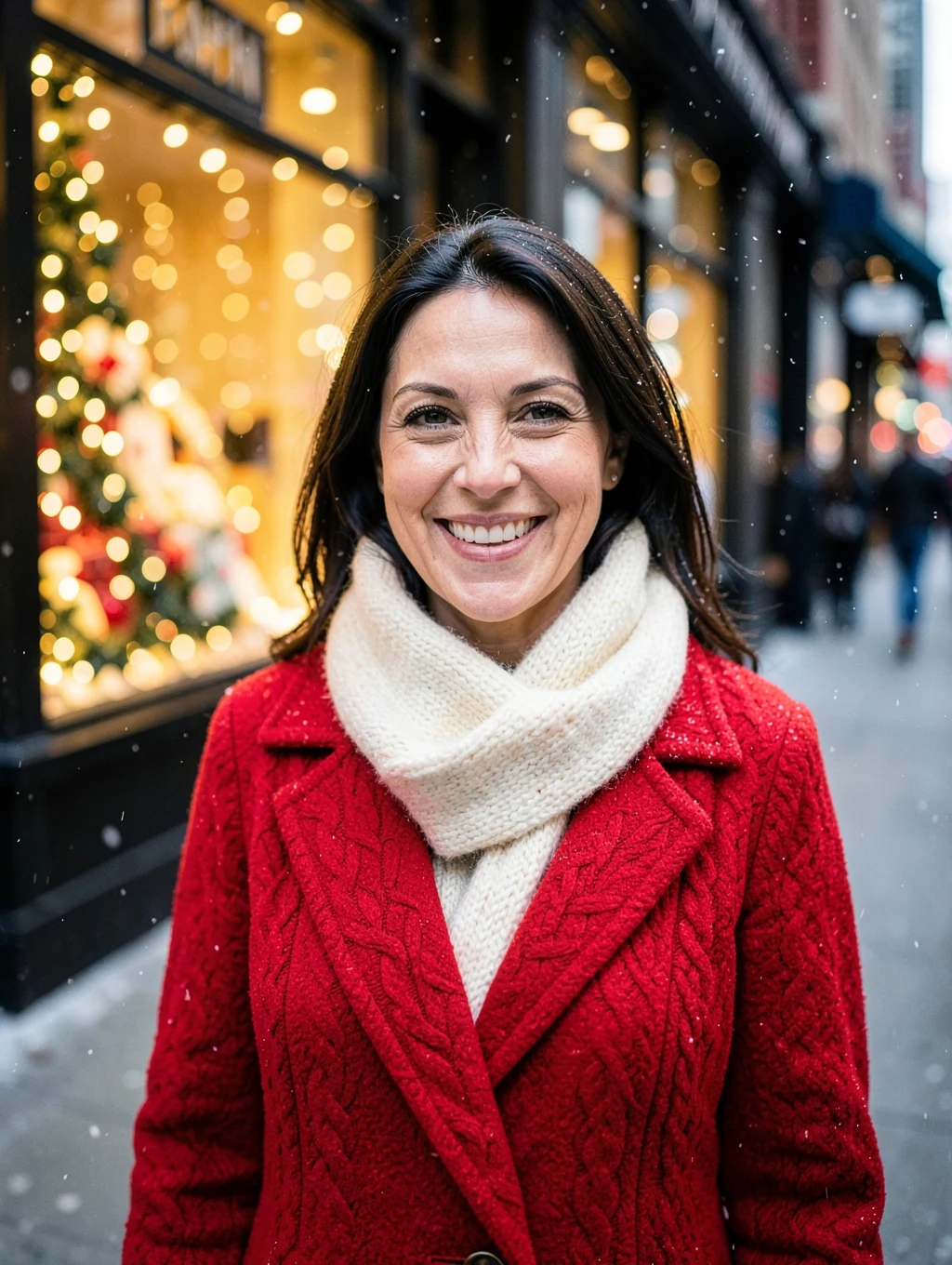
AI example image for the New York Holiday Windows Portrait prompt

Editing

New York Holiday Windows Portrait

Show the woman on a Fifth Avenue sidewalk in New York at Christmas time, smiling, in a red wool coat and a cream scarf. Sparkling holiday window displays and warm lights are blurred behind her, with light snow in the air. 85mm lens, warm festive colour.

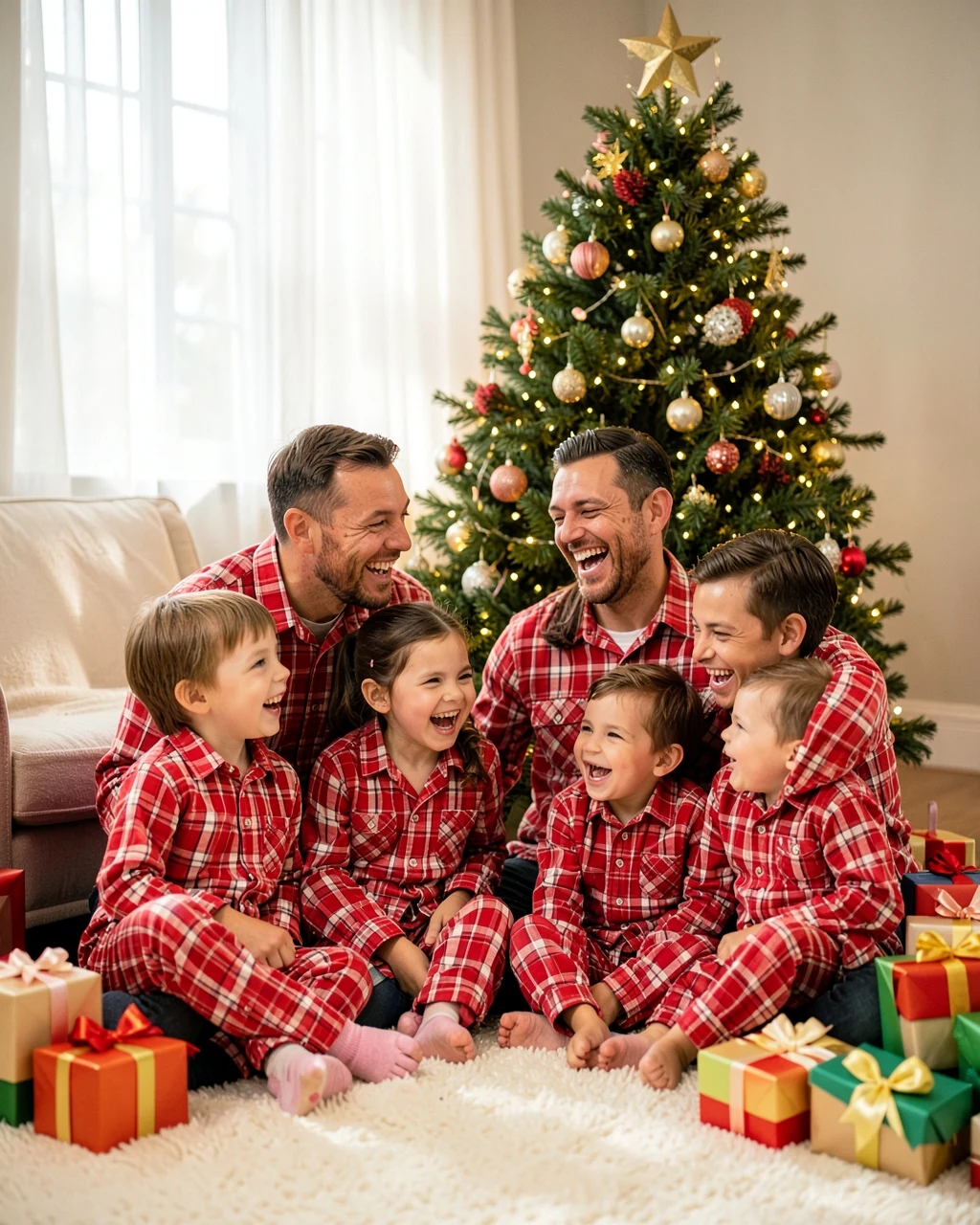
AI example image for the Christmas Pajamas Family Photo prompt

Editing

Christmas Pajamas Family Photo

Show the family sitting together on a living room floor in front of a decorated Christmas tree on Christmas morning, all in matching red and white plaid pajamas, laughing. Wrapped presents around them, warm fairy lights, soft morning light, 35mm lens.

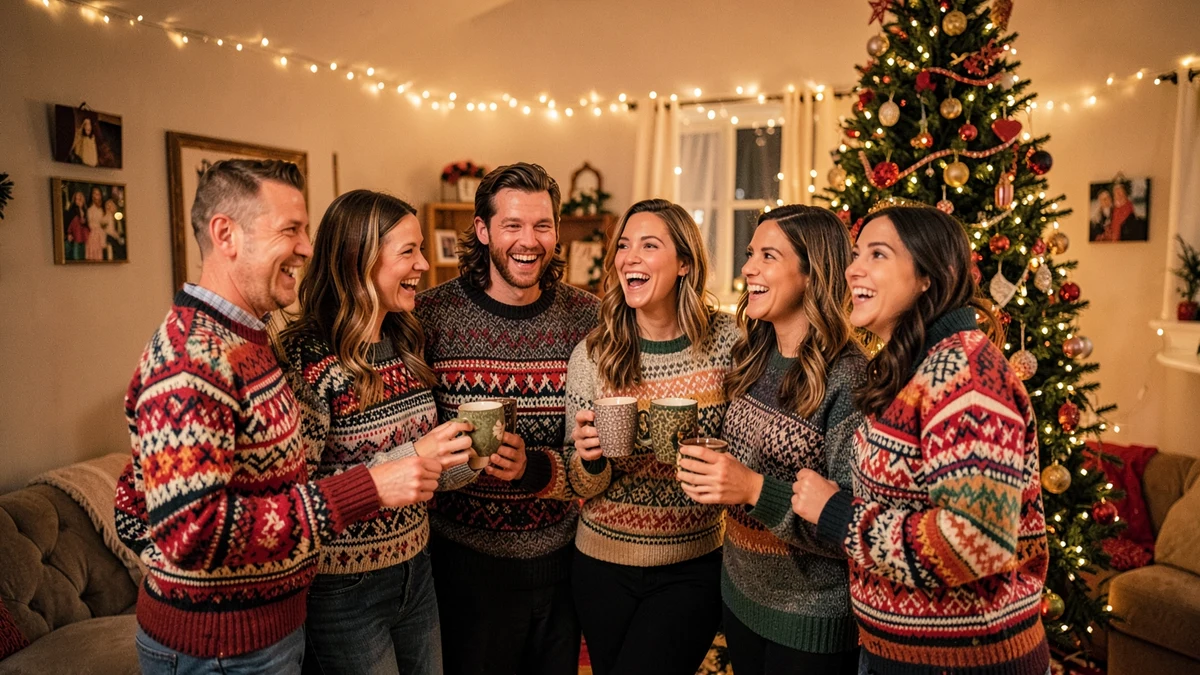
AI example image for the Christmas Sweater Party Friends prompt

Editing

Christmas Sweater Party Friends

Show the friends at a Christmas sweater party in a cosy living room, standing close together and laughing, all wearing colourful festive knit sweaters and holding mugs. A decorated tree and warm fairy lights behind them, 35mm lens.

Example images were made with AI using fictional people. Your result depends on your photo and the app you use.

How to use these

  1. Tap Copy on any prompt below.
  2. Open Gemini or ChatGPT and upload a clear photo.
  3. Paste the prompt, send it, then ask for small changes if you need them.

Christmas photo tips

Questions people ask

Which is the best Christmas photo prompt for a couple?

Try the London Christmas market or the Christmas tree farm prompt. Both have warm light and a clear festive setting.

Can I make a family Christmas card with these?

Yes. Use the Christmas pajamas family prompt with one photo of everyone, then add your greeting in a card editor.

Do these work in ChatGPT too?

Yes. They are plain text, so they work in ChatGPT and most image tools that accept a reference photo.

Can I add snow to my own photo?

Yes. Add "with gentle snow falling" to any prompt, or ask for it in your next message after the image appears.

More prompts