Family photos · 7 free prompts

Family photo prompts for Gemini AI

Getting the whole family into one nice photo is hard. With these prompts you upload one group photo and the AI puts everyone in a new setting, from a beach at sunset to Christmas morning by the tree.

Each prompt tells the AI to keep the same number of people and every face as it is, which is the most common problem with group photos.

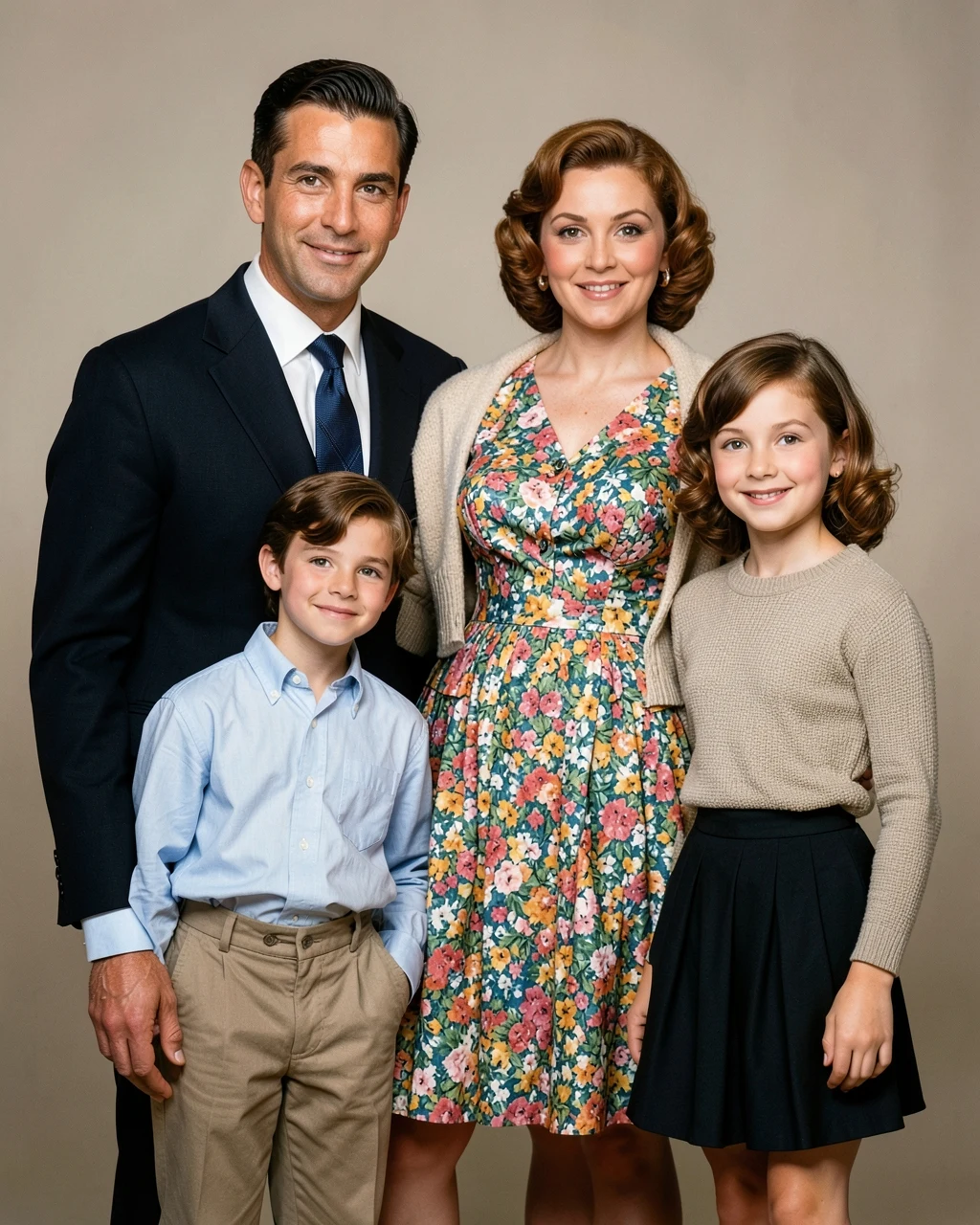
AI example image for the Old Photo Restoration prompt

Editing

Old Photo Restoration

Restore this old damaged photograph. Remove scratches, creases, stains and fading. Gently sharpen details and recover natural contrast. Add realistic, period-appropriate colour to skin, clothes and background. Do not modernise the clothing, hairstyle or setting.
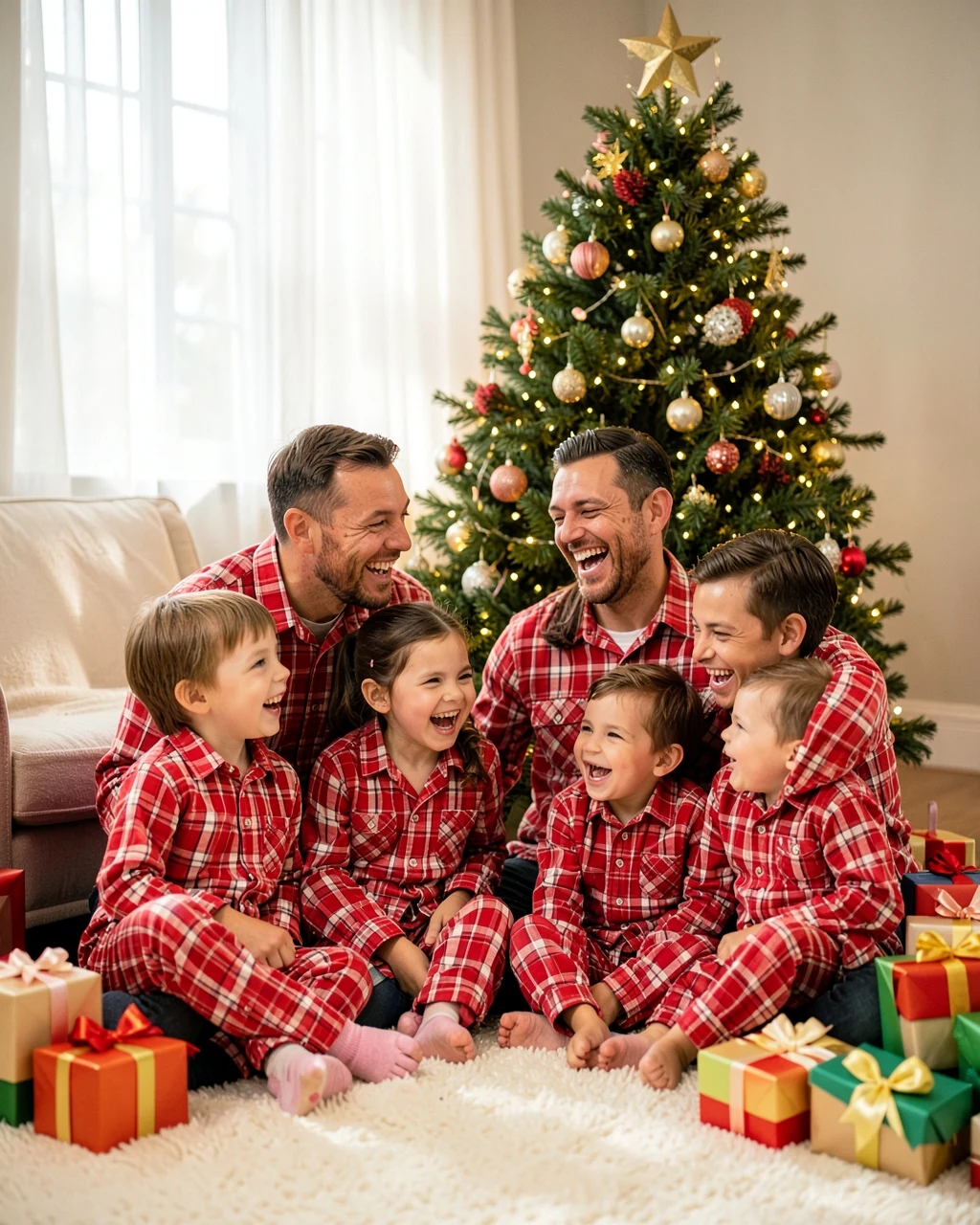
AI example image for the Christmas Pajamas Family Photo prompt

Editing

Christmas Pajamas Family Photo

Show the family sitting together on a living room floor in front of a decorated Christmas tree on Christmas morning, all in matching red and white plaid pajamas, laughing. Wrapped presents around them, warm fairy lights, soft morning light, 35mm lens.

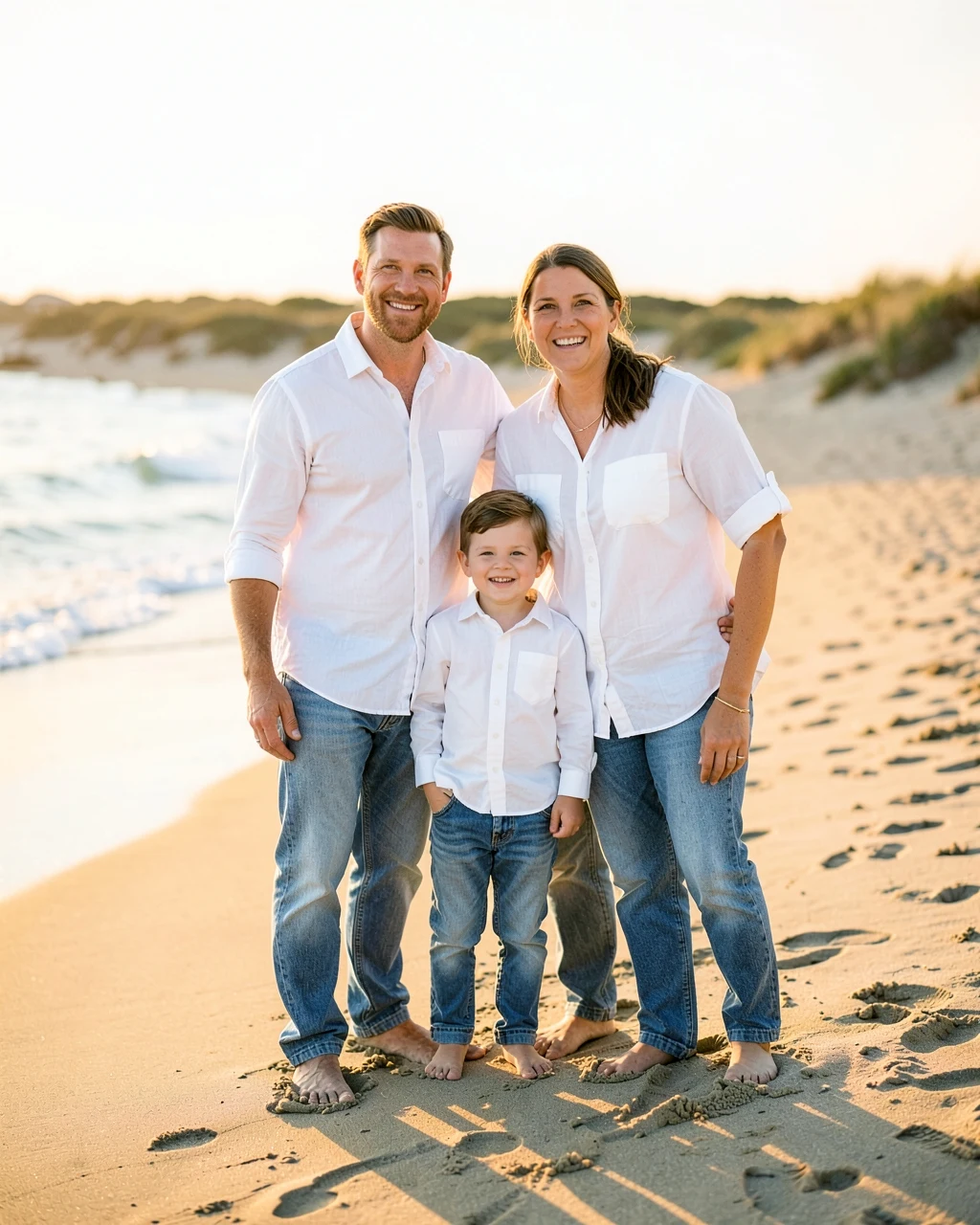
AI example image for the Beach Family Photo prompt

Editing

Beach Family Photo

Show the family standing together on a sandy beach in Cape Cod at golden hour, all wearing white shirts and light denim, smiling at the camera. Gentle waves and soft dunes behind them, warm sunset light, 50mm lens, family photography style.

AI example image for the Autumn Park Family Photo prompt

Editing

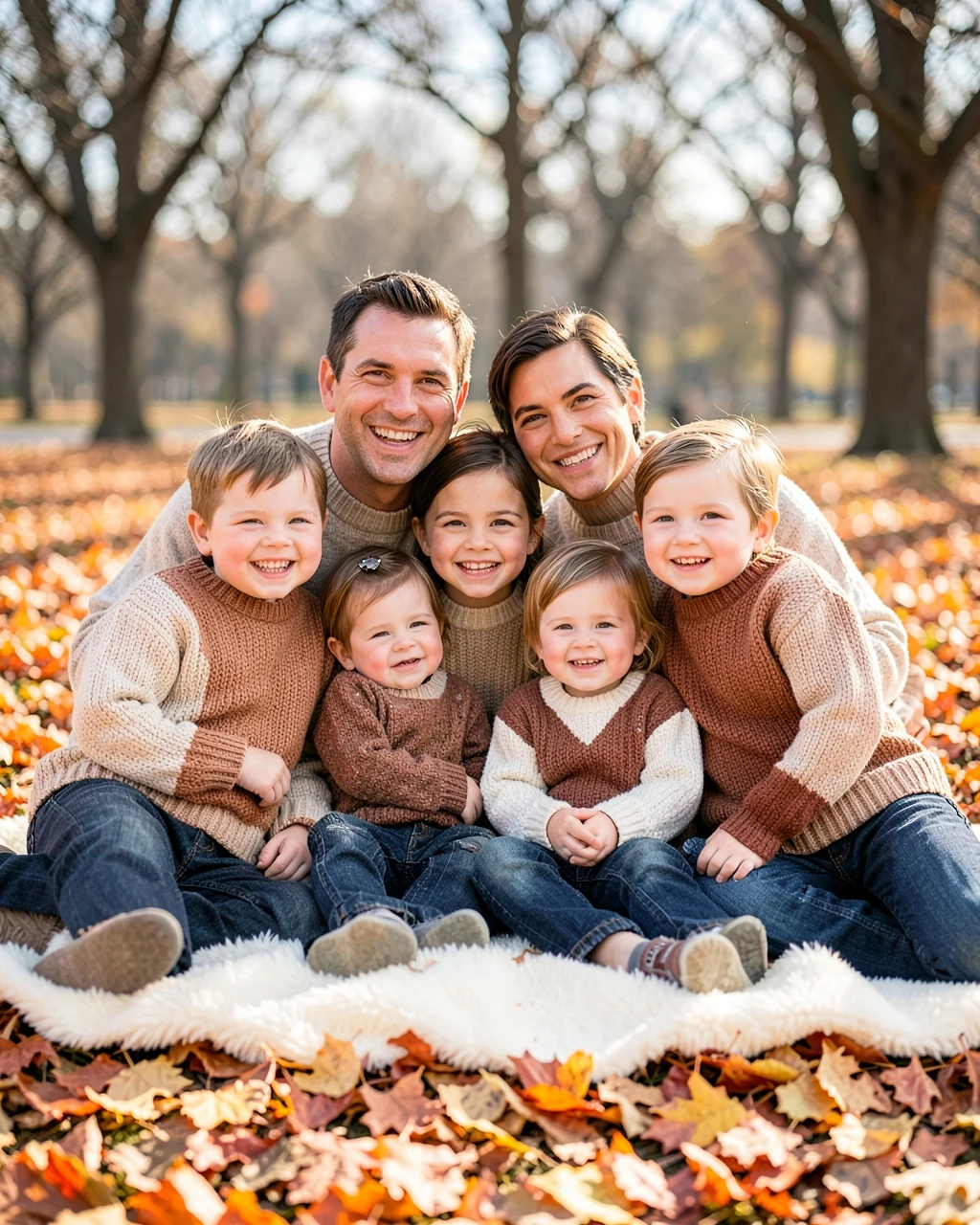
Autumn Park Family Photo

Show the family sitting together on a blanket in a park full of orange and gold autumn leaves, smiling at the camera. Everyone wears cosy sweaters in cream, rust and brown. Warm afternoon sun through the trees, 50mm lens, soft background.

AI example image for the First Birthday Family Photo prompt

Editing

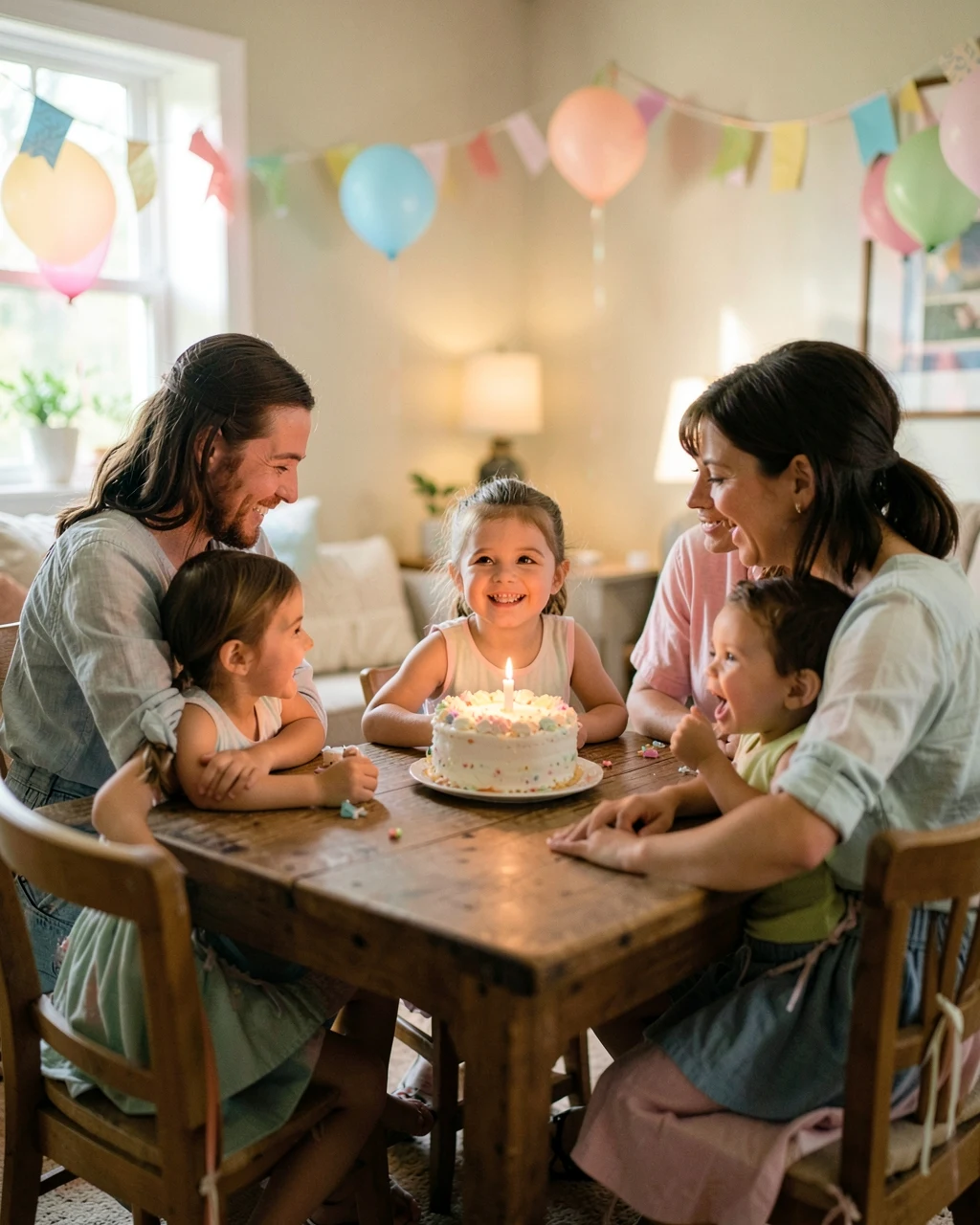
First Birthday Family Photo

Show the family gathered around a table at a home birthday party, smiling as the birthday child gets a small cake with one candle. Pastel balloons and paper garlands behind them, everyone in light party clothes. Warm cheerful light, 35mm lens.

AI example image for the Wedding Family Portrait prompt

Editing

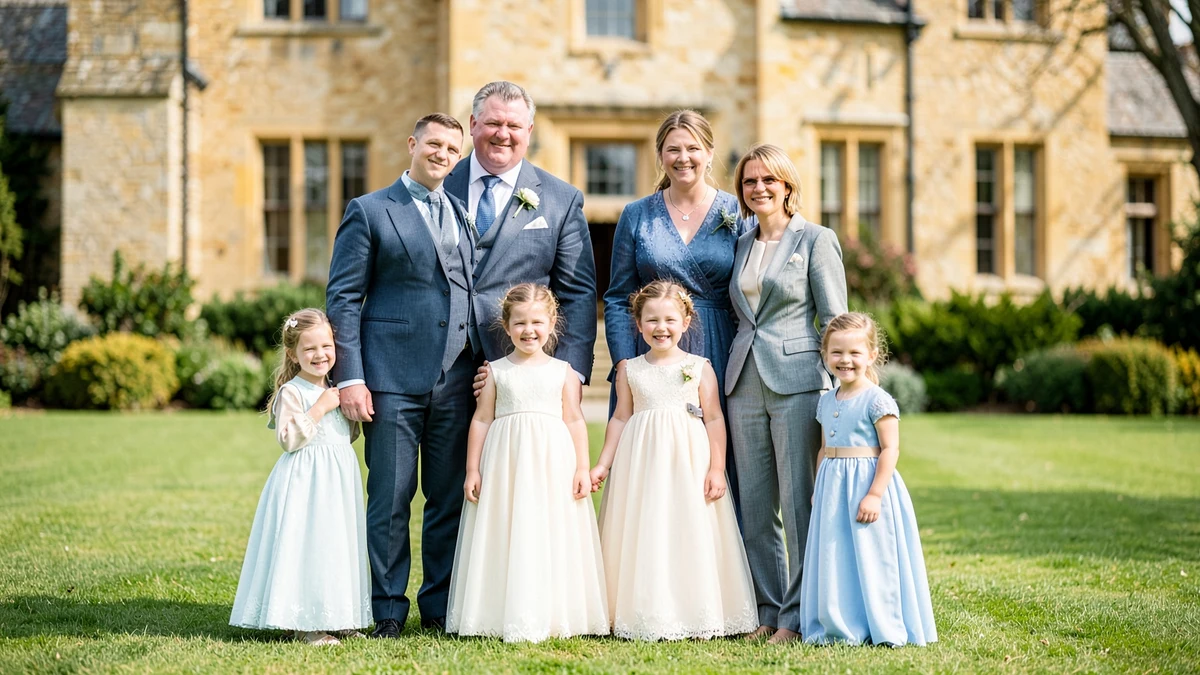
Wedding Family Portrait

Show the family standing in two neat rows on the lawn of an English country manor for a wedding portrait, all dressed formally in suits and elegant dresses in soft blue and cream, smiling at the camera. Honey-coloured stone walls and soft daylight behind them, 35mm lens, wedding photography.

AI example image for the Three Generations Family Portrait prompt

Editing

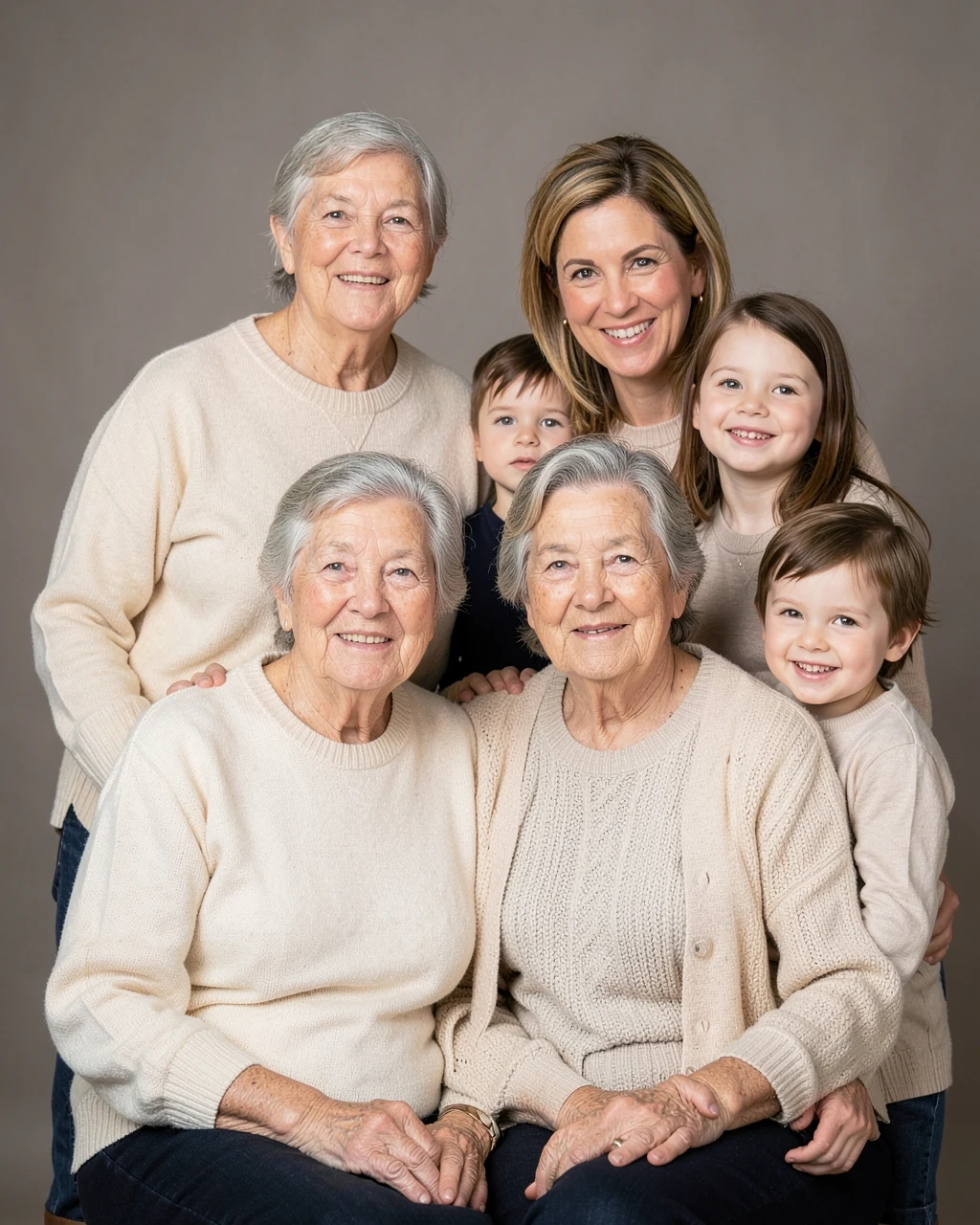
Three Generations Family Portrait

Create a warm studio family portrait of grandparents, parents and children together, the grandparents seated in front and everyone else standing close behind them. All wear soft neutral clothes in cream, beige and navy. Plain warm grey backdrop, soft even light, 50mm lens, classic portrait style.

Example images were made with AI using fictional people. Your result depends on your photo and the app you use.

How to use these

  1. Tap Copy on any prompt below.
  2. Open Gemini or ChatGPT and upload one photo with the whole family in it, everyone facing the camera.
  3. Paste the prompt and send. If someone looks different, ask for that one person to be fixed in your next message.

Family photo tips

Questions people ask

Can I make a family photo from separate photos?

One photo with everyone in it works best. You can upload separate photos and describe who goes where, but faces change more often.

Why did the AI add or remove a person?

Group scenes are hard for AI. Reply with "include exactly the same people as in my photo", or try again with a clearer photo.

Can I restore an old family photo?

Yes. Use the old photo restoration prompt, which repairs damage and adds natural colour without changing faces.

Are these family prompts free?

Yes. There is no sign-up and no ad to watch before copying. The AI app may have its own limits.

More prompts