Professional photos · 6 free prompts

LinkedIn headshot prompts

A professional headshot without booking a studio. Upload a clear, well-lit photo and these prompts put you in a blazer, in front of a soft office or studio background, with flattering light.

Recruiters see your photo before your name, so a friendly, natural look works better than a heavily retouched one.

AI example image for the LinkedIn Studio Headshot prompt

Editing

LinkedIn Studio Headshot

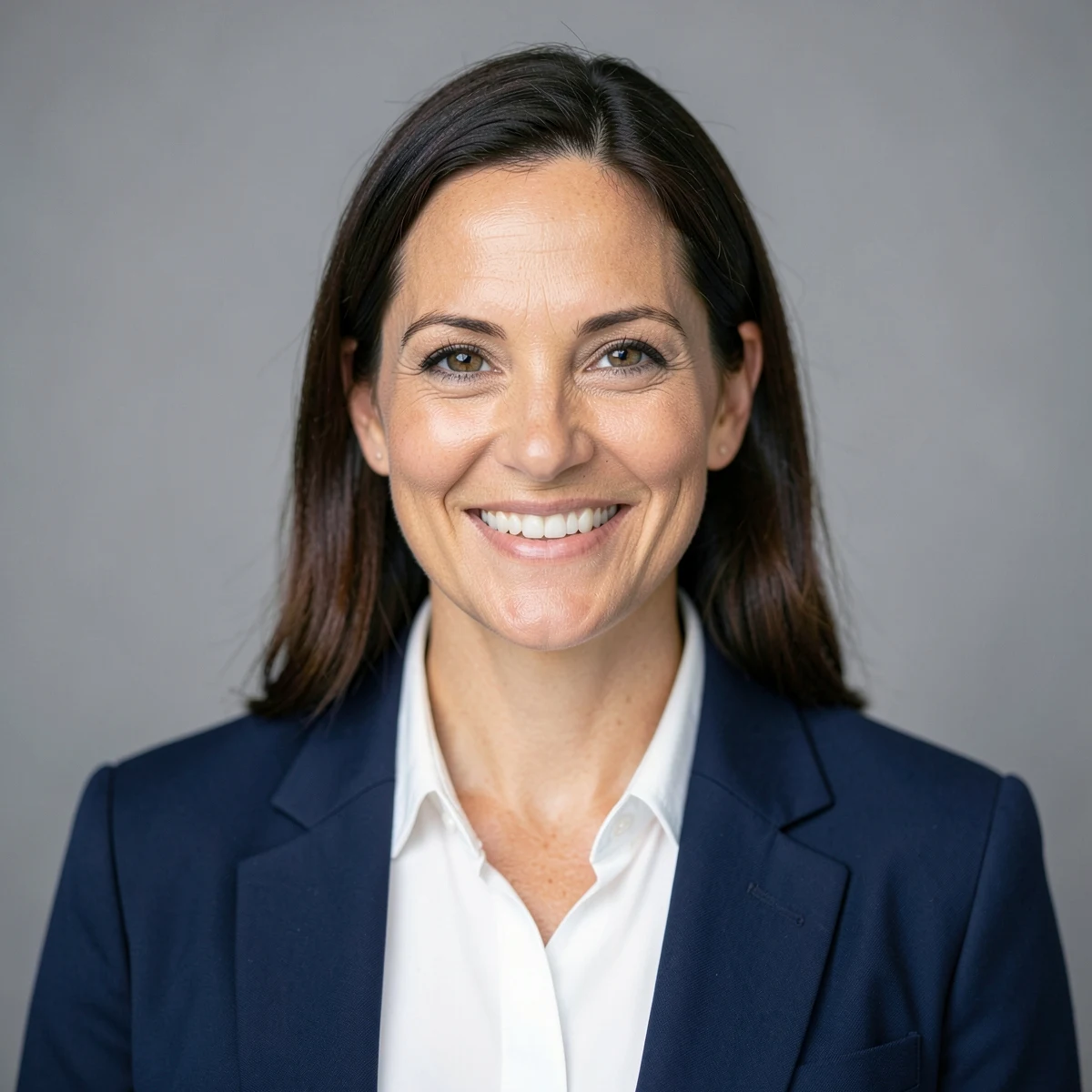
Create a professional corporate headshot from the chest up, with a friendly natural smile. Dress the person in a well-fitted navy blazer with a plain white shirt. Plain soft grey background, even studio light, sharp focus on the eyes, 85mm lens.
AI example image for the London Tailored Suit Portrait prompt

Editing

London Tailored Suit Portrait

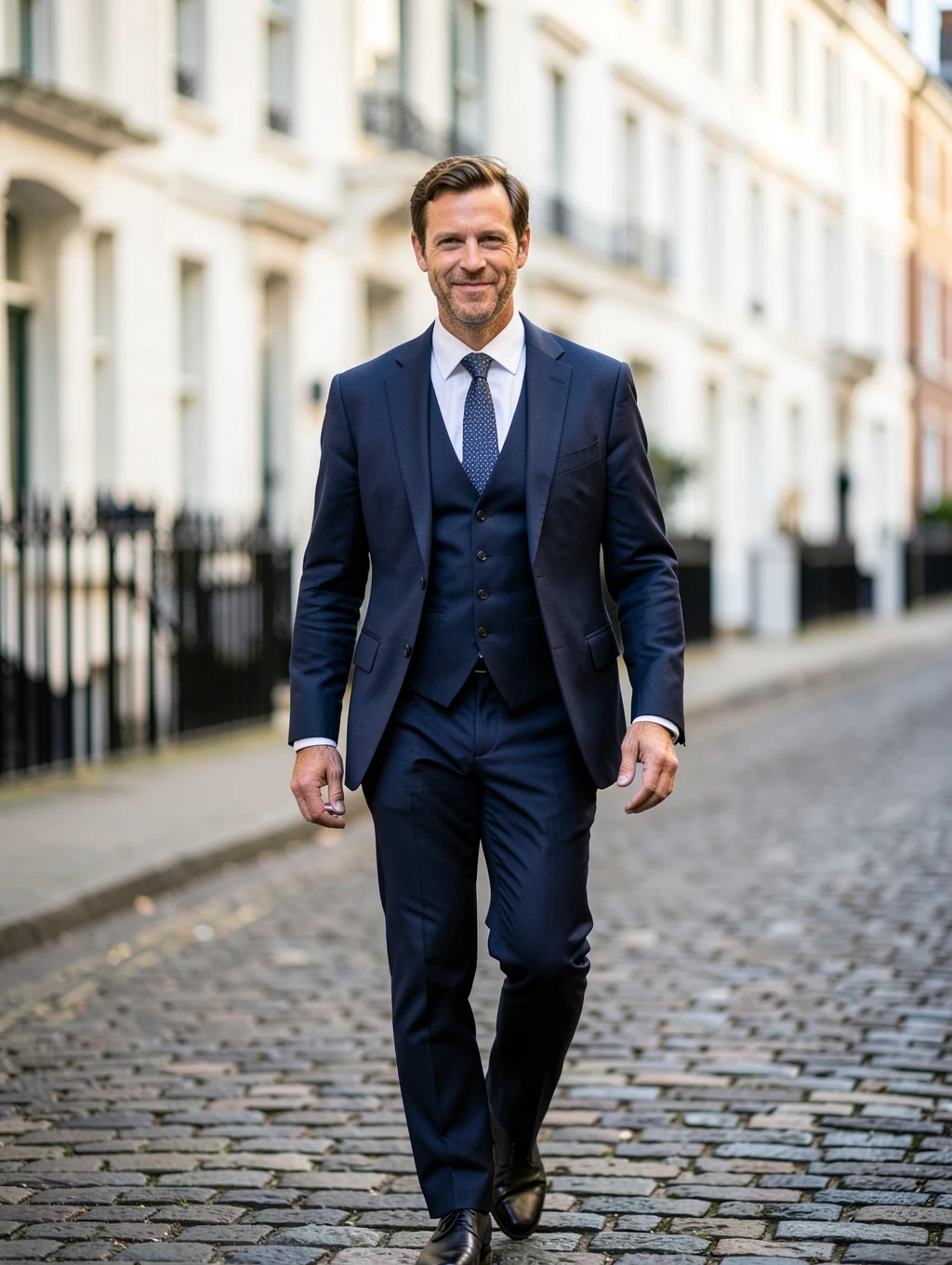
Show the man walking down a Mayfair street in London wearing a tailored navy three-piece suit, confident expression. Elegant white buildings and black railings out of focus behind him in soft morning light. Editorial fashion photography, 85mm lens.

AI example image for the LinkedIn Office Headshot for Women prompt

Editing

LinkedIn Office Headshot for Women

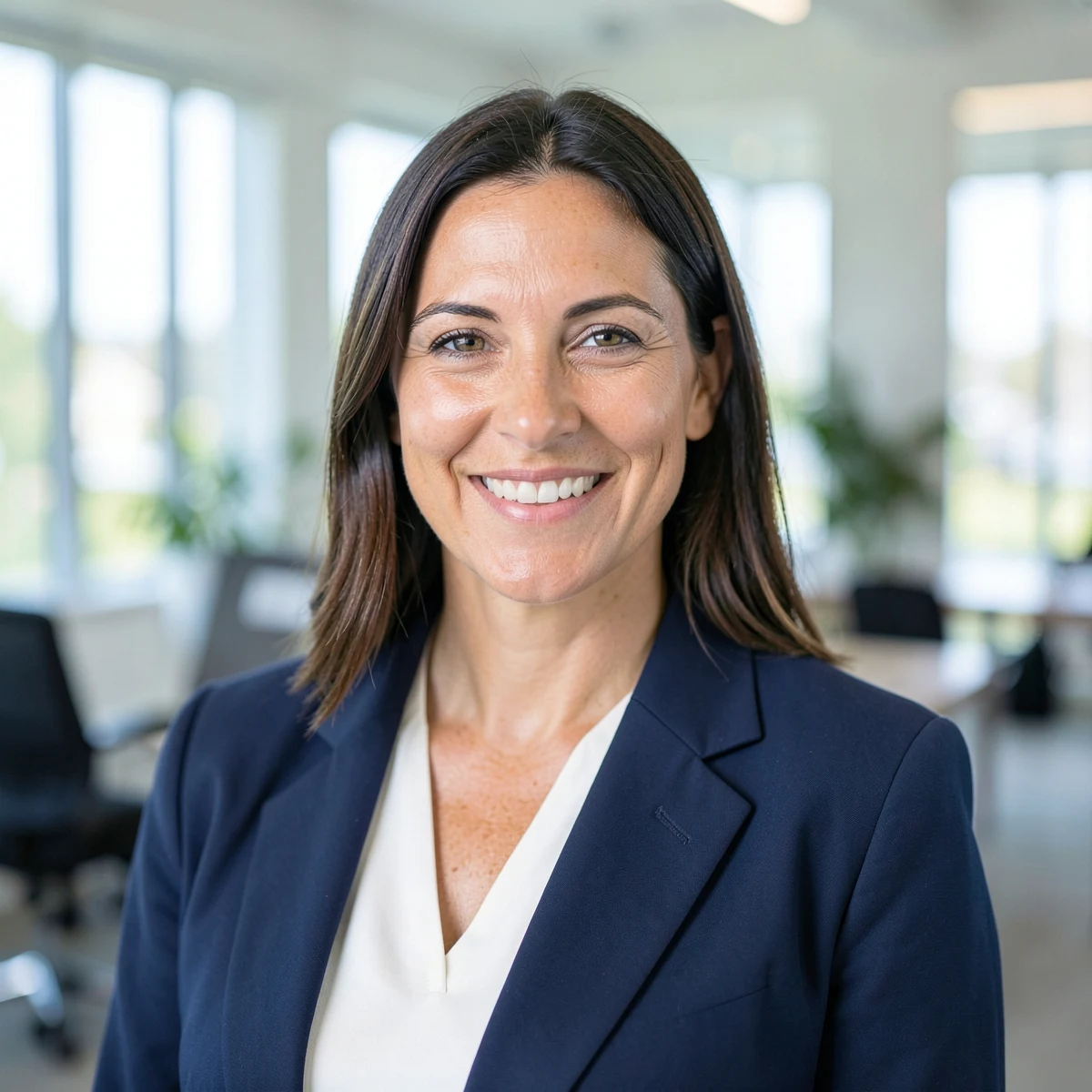
Create a professional headshot of the woman from the chest up in a bright modern office. She wears a navy blazer over a white top and gives a friendly, confident smile. The office is softly blurred behind her. Even, flattering light, 85mm lens, corporate photography style.

AI example image for the LinkedIn Office Headshot for Men prompt

Editing

LinkedIn Office Headshot for Men

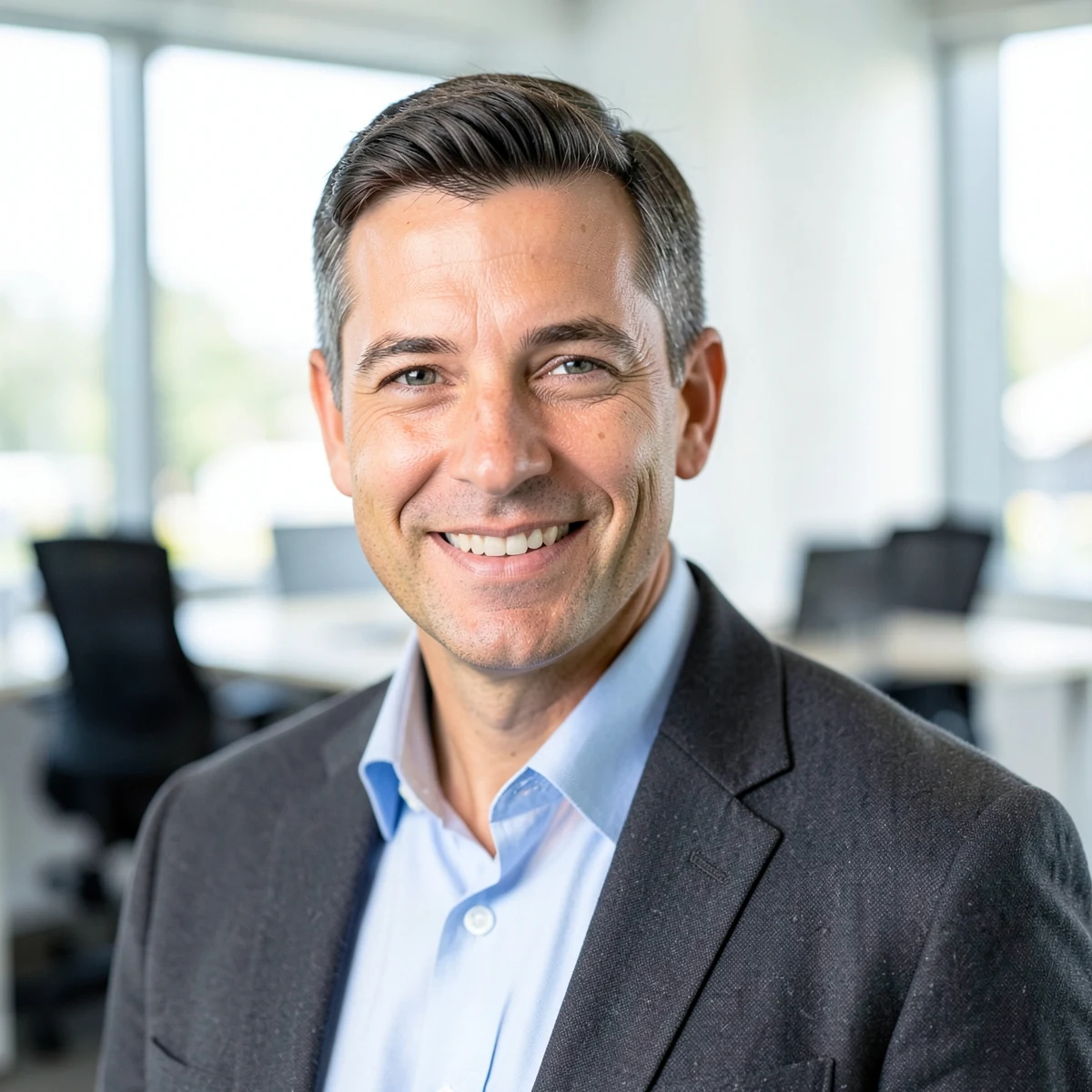
Create a professional headshot of the man from the chest up in a bright modern office. He wears a charcoal blazer over a light blue shirt with no tie and gives a friendly, confident smile. The office is softly blurred behind him. Even, flattering light, 85mm lens, corporate photography style.

AI example image for the Startup Founder Portrait prompt

Editing

Startup Founder Portrait

Show the man standing in a bright open-plan startup office in San Francisco, arms crossed, with a relaxed confident smile. He wears a navy crew-neck sweater over a white t-shirt. Large windows, plants and colleagues softly blurred behind him, 50mm lens, natural daylight.

Conference Speaker Portrait

Editing

Conference Speaker Portrait

Show the woman speaking on a modern conference stage, holding a small microphone and smiling at the audience. She wears a black tailored suit. A large blurred screen and soft blue stage lights behind her, 85mm lens, event photography style.

Example images were made with AI using fictional people. Your result depends on your photo and the app you use.

How to use these

  1. Tap Copy on any prompt below.
  2. Open Gemini or ChatGPT and upload a clear photo.
  3. Paste the prompt, send it, then ask for small changes if you need them.

How to get a headshot that looks like you

Questions people ask

Is it okay to use an AI headshot on LinkedIn?

Many people do, but it should still look like you. Avoid edits that change your face, age or features, and check your employer's rules if you are unsure.

Which prompt is best for a LinkedIn profile picture?

The LinkedIn office headshot for men or women, with the 1:1 ratio. The studio headshot prompt is a good plain alternative.

Can I change the blazer colour?

Yes. Change the colour words in the prompt before you copy, or use the Outfit option in the customiser on the prompt page.

Do these work in ChatGPT too?

Yes. They are plain text, so they work in ChatGPT and most image tools that accept a reference photo.

More prompts