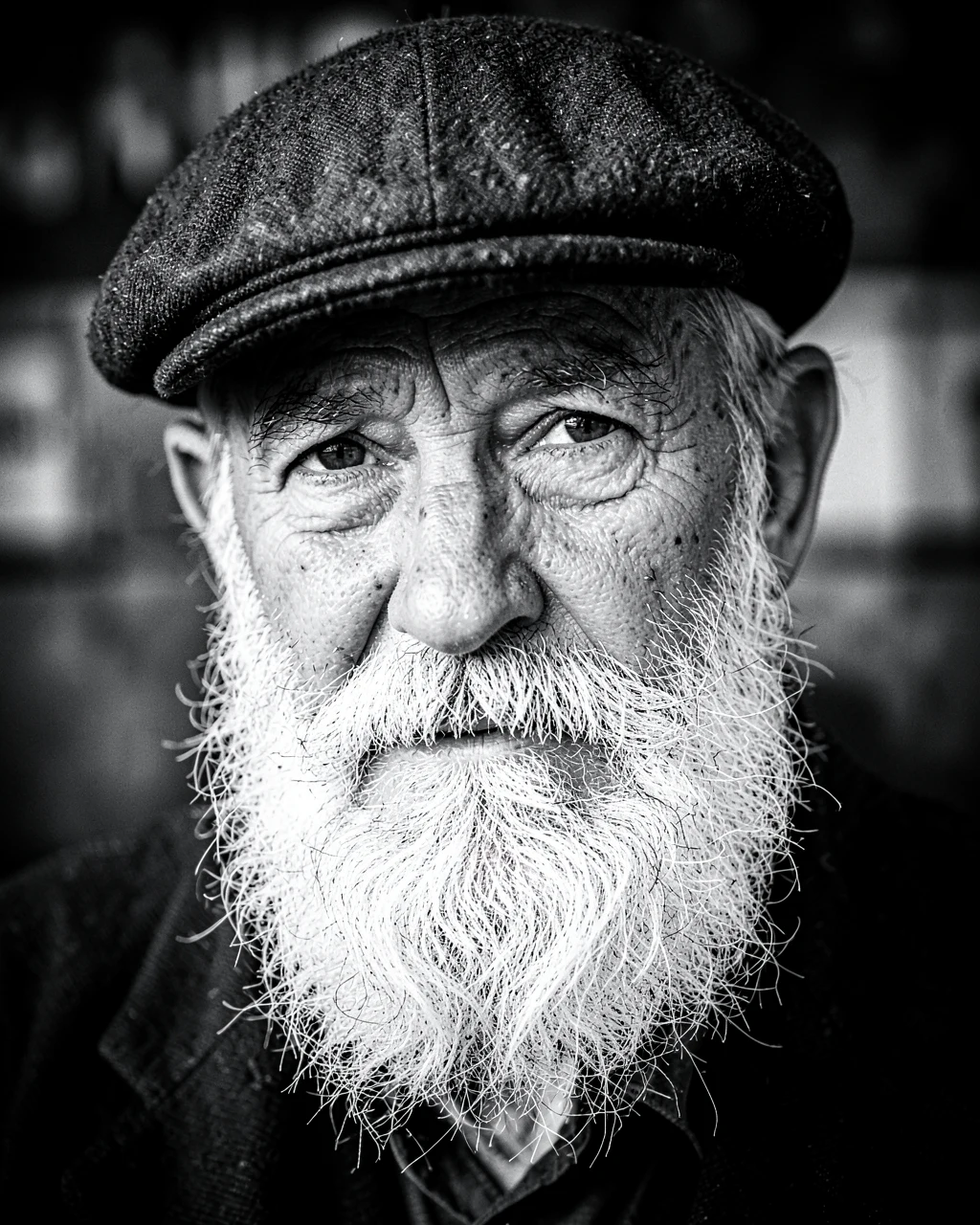
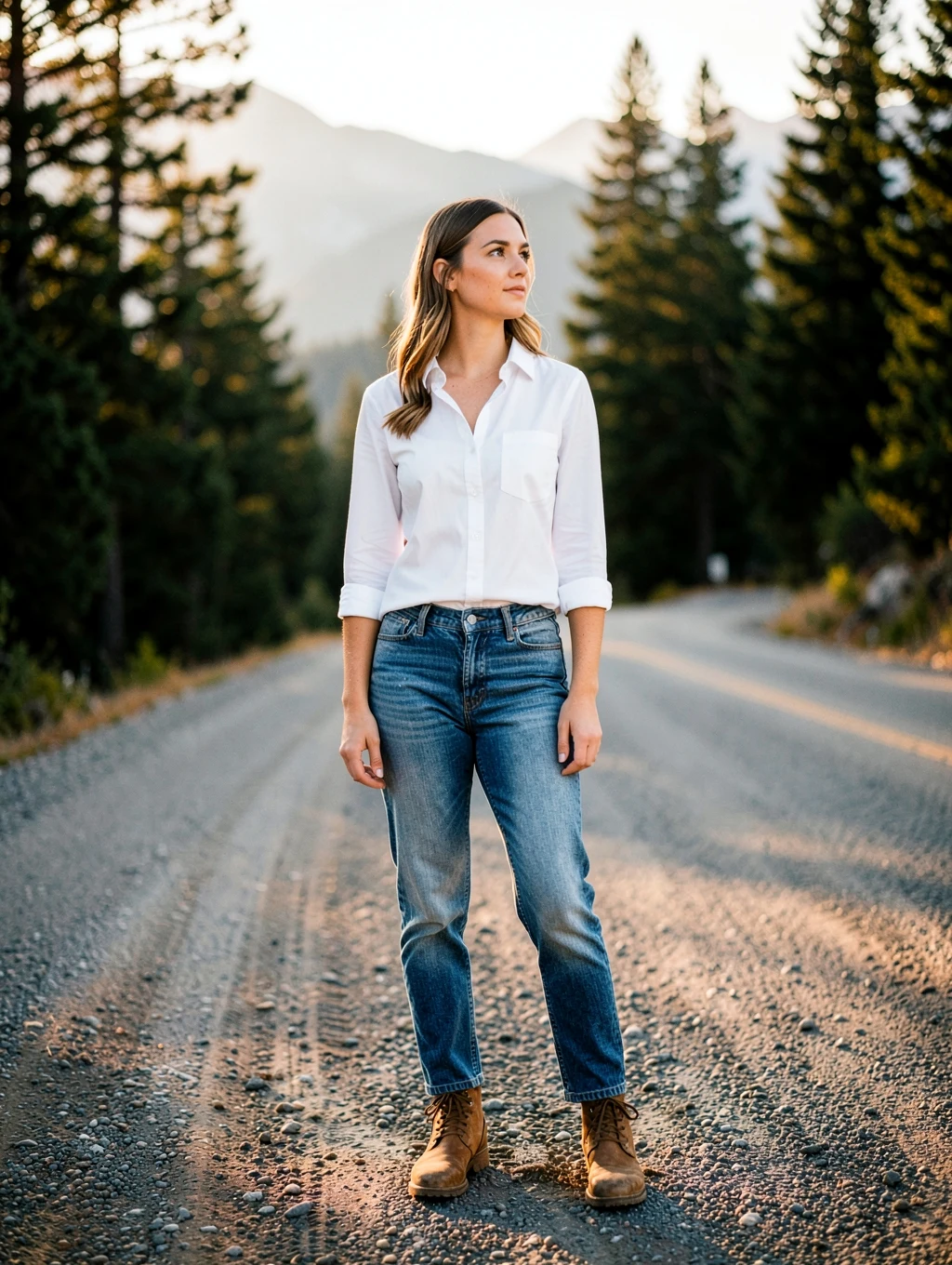
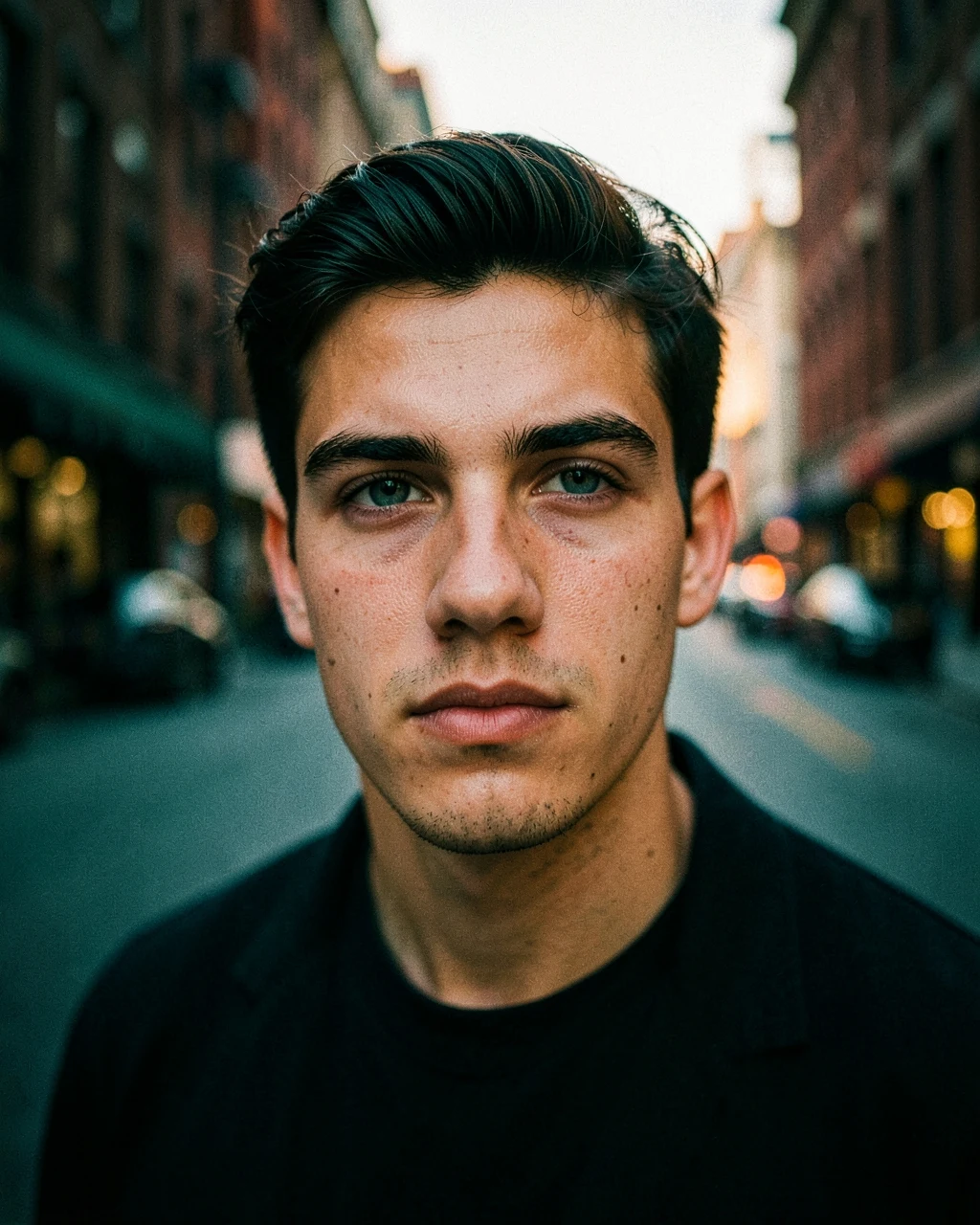
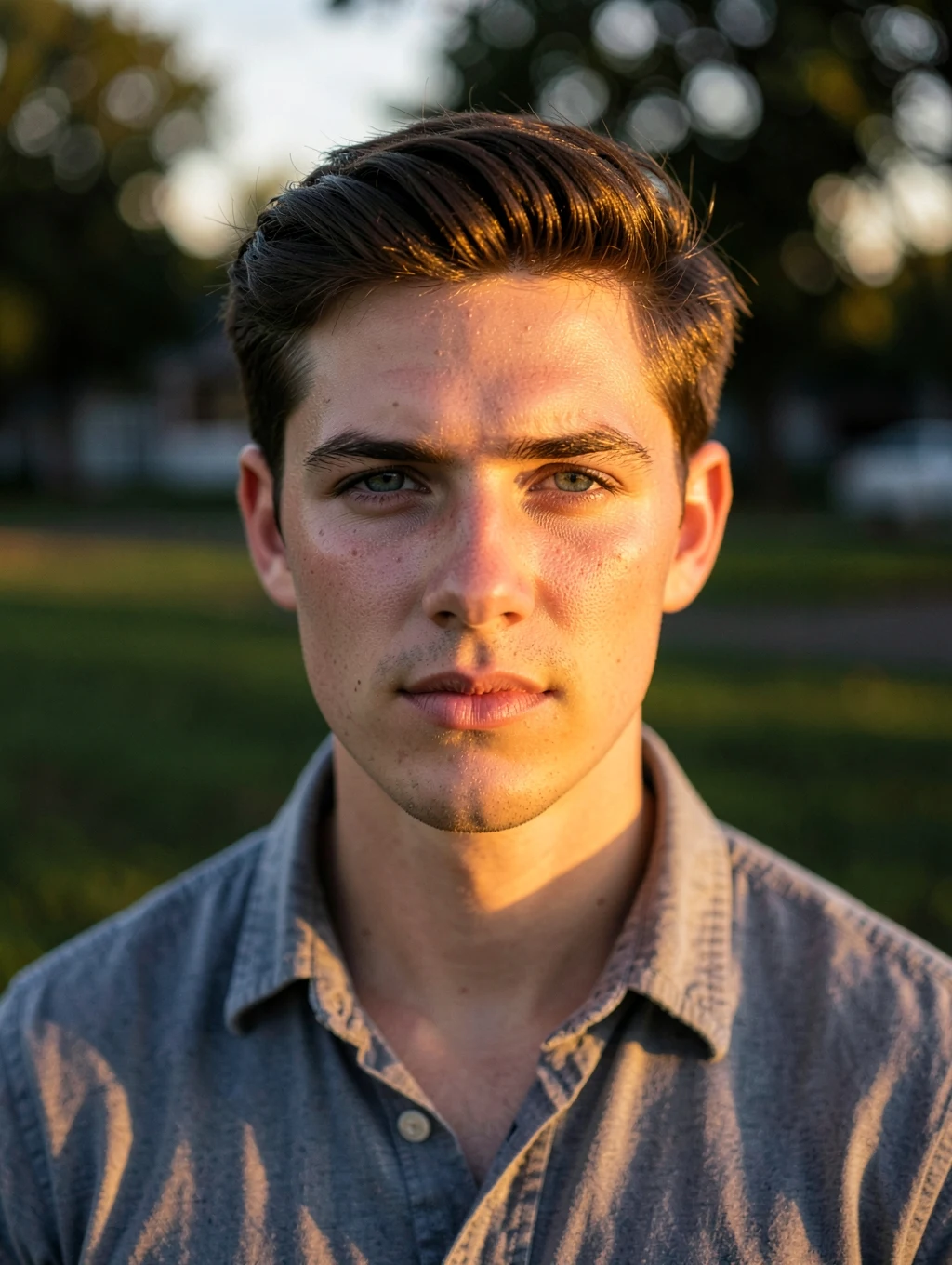
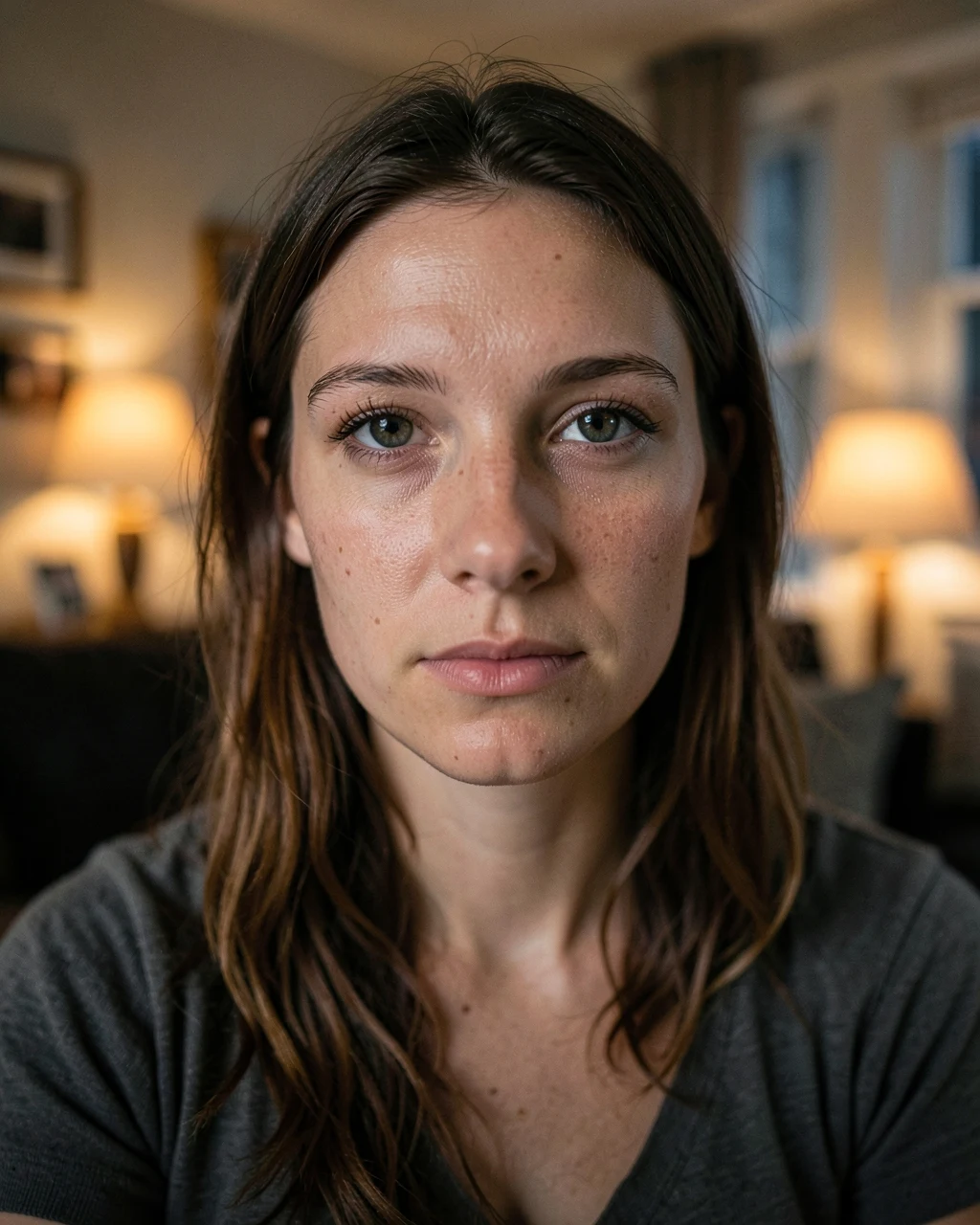
An AI example with fictional people. Your result depends on your photo and the app you use.
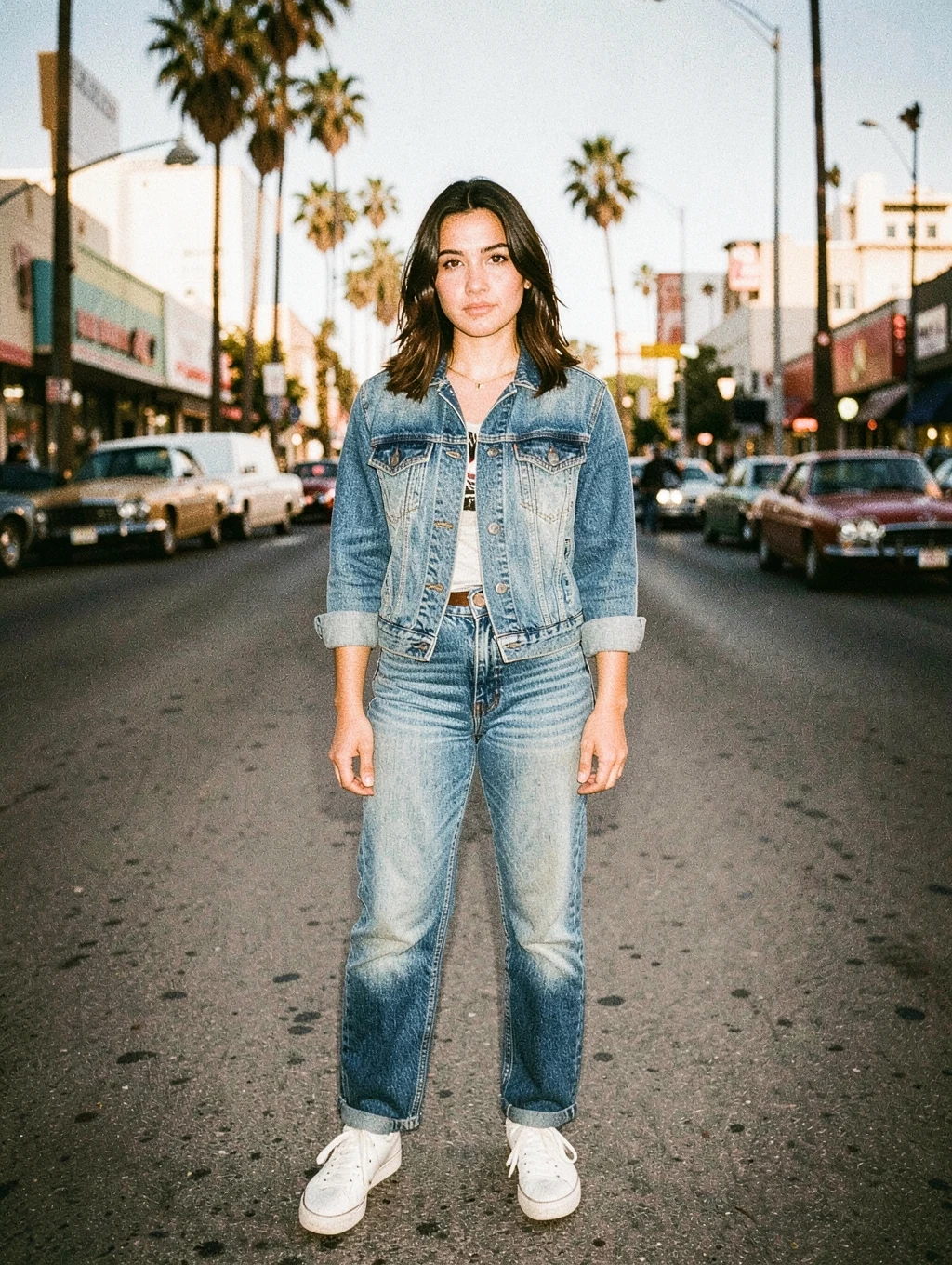
90s Film Camera Edit
Adds an old-print feel to a phone photo. Add "with a date stamp" for the orange date mark.
Customise this prompt
Ratio
Edit the uploaded photo. Keep every person's face, expression, body shape and identity exactly as they are. Make this photo look like a 1990s print from a film camera. Add warm faded colours, slightly lifted blacks, soft halation around bright lights, visible film grain and a mild direct-flash look. Do not change the composition, pose or background. Photorealistic, natural skin texture, realistic hands, no text, no watermark. Aspect ratio 3:4.
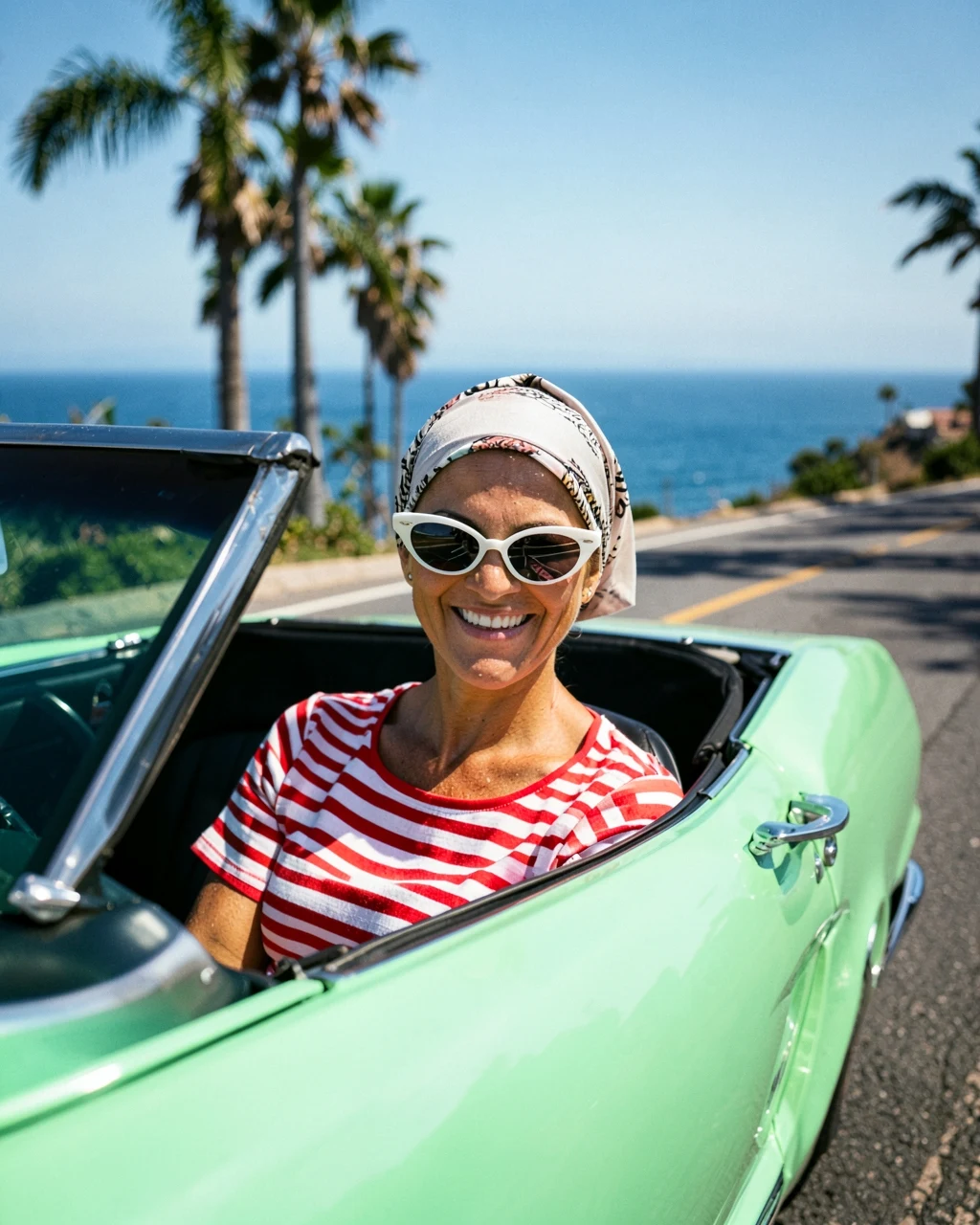
Show the woman sitting in a mint green 1960s convertible on a California coastal road, wearing a silk headscarf, white sunglasses and a striped top, smiling at the camera. Blue ocean and palm trees behind her, bright sunny light, 50mm lens, vintage colour.
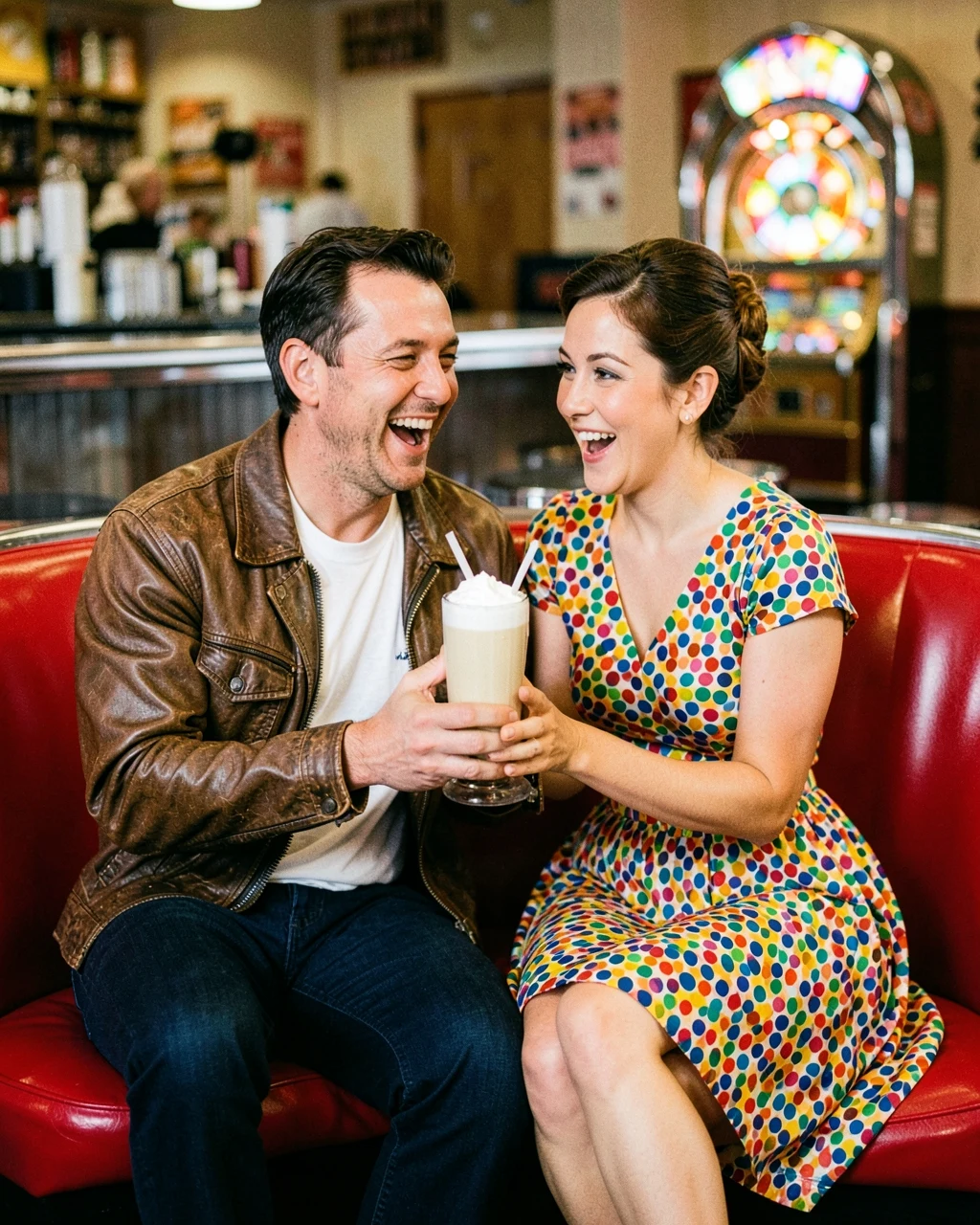
Seat them in a red vinyl booth of a 1950s American diner, sharing one milkshake with two straws and laughing. He wears a white t-shirt and a leather jacket, she wears a polka-dot dress with a neat retro hairstyle. Chrome details and a jukebox behind them, warm film colours, 35mm lens.
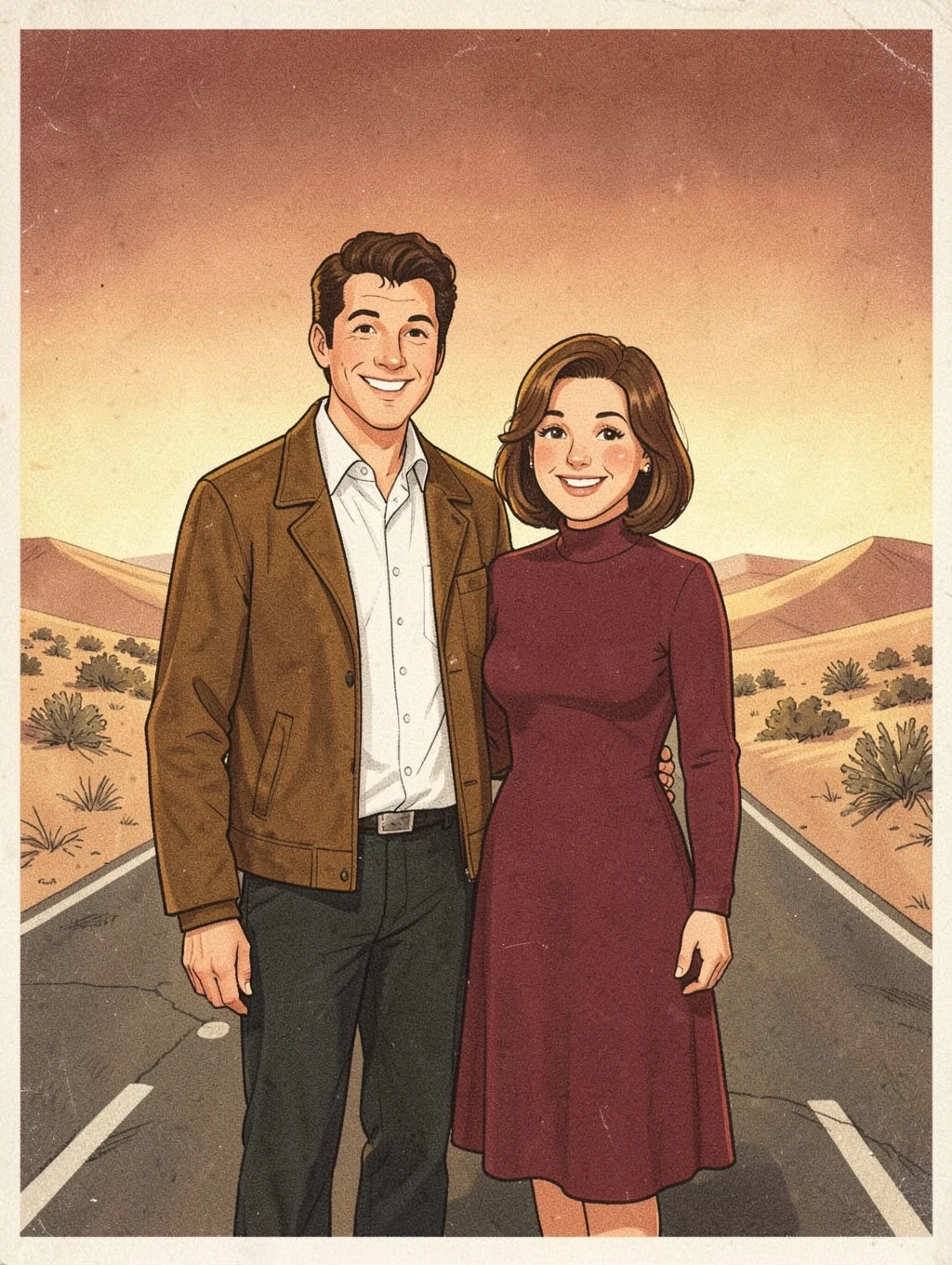
Recreate them as the leads of a 1970s Hollywood film poster. He wears a brown leather jacket, she wears a long-sleeved red dress. They stand back to back with confident looks in front of a hand-painted sunset over a desert highway. Soft film grain, faded colours and an airbrushed background, while the faces stay photographic.
Convert this photo to high-contrast fine-art black and white. Keep rich blacks, clean whites, and detailed mid-tones in hair, skin and fabric. Add light fine grain and a subtle dark vignette. Do not change anything else.
Replace only the background with [a quiet Colorado mountain road at golden hour]. Do not change the person's pose, clothing or framing. Match the light direction, colour and shadows on the person to the new background so the photo looks taken on location.
Apply a cinematic teal and orange colour grade. Keep warm, natural skin tones, push shadows gently to teal and highlights to amber, deepen the contrast and add a soft vignette with fine film grain. Do not change the composition, background objects or clothing.
Relight this photo as if it was taken an hour before sunset. Add warm directional sunlight from the side, soft long shadows and a gentle glow in the hair. Keep the location, clothes and pose exactly the same.
Fix this dark, noisy photo. Brighten the subject naturally, reduce noise, correct the white balance and recover detail in the face and clothes. Keep the original mood and light sources. It should look like a clean photo from a better camera.