Editing
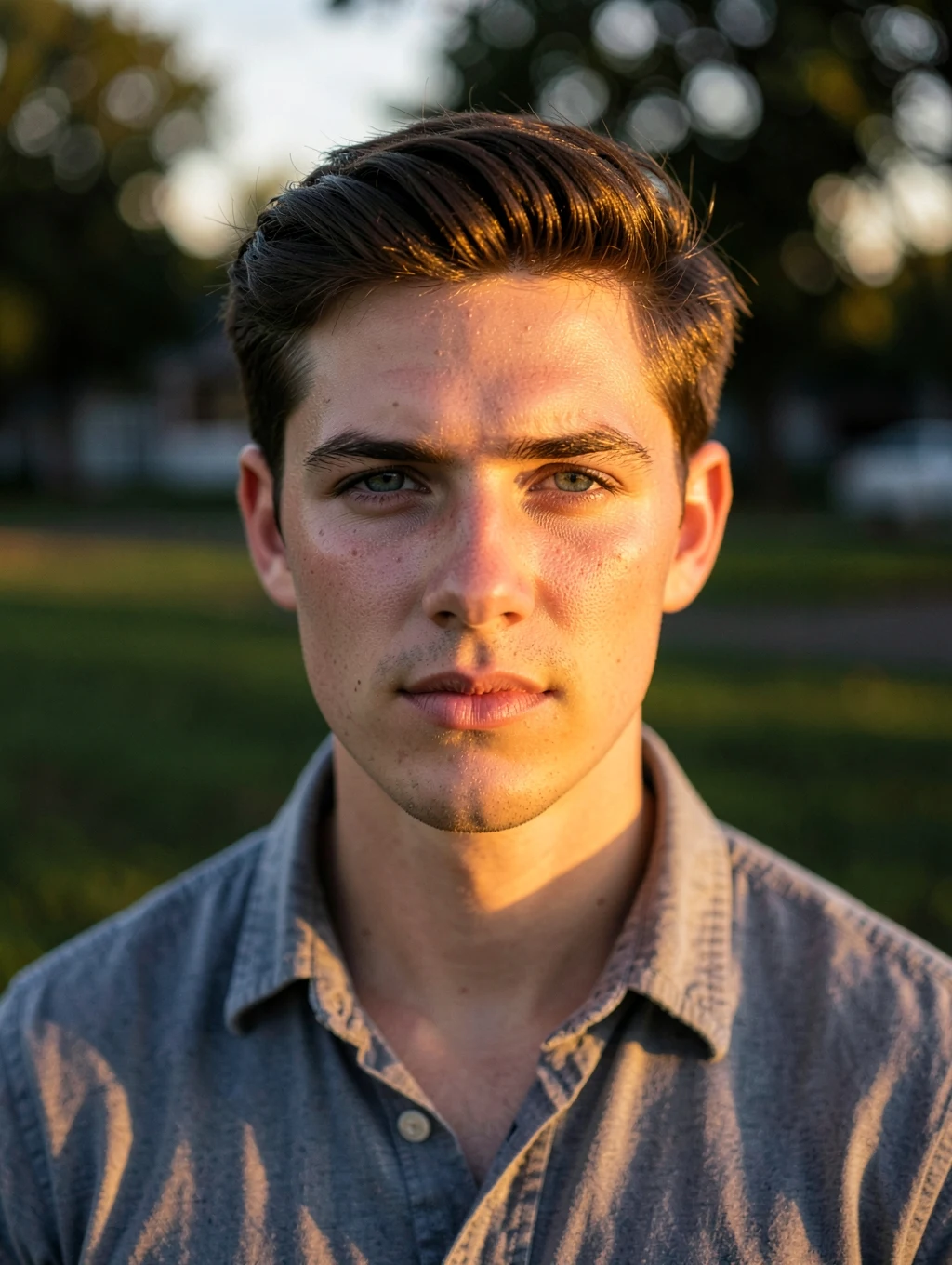
Golden Hour Relight
Relight this photo as if it was taken an hour before sunset. Add warm directional sunlight from the side, soft long shadows and a gentle glow in the hair. Keep the location, clothes and pose exactly the same.
An AI example with fictional people. Your result depends on your photo and the app you use.
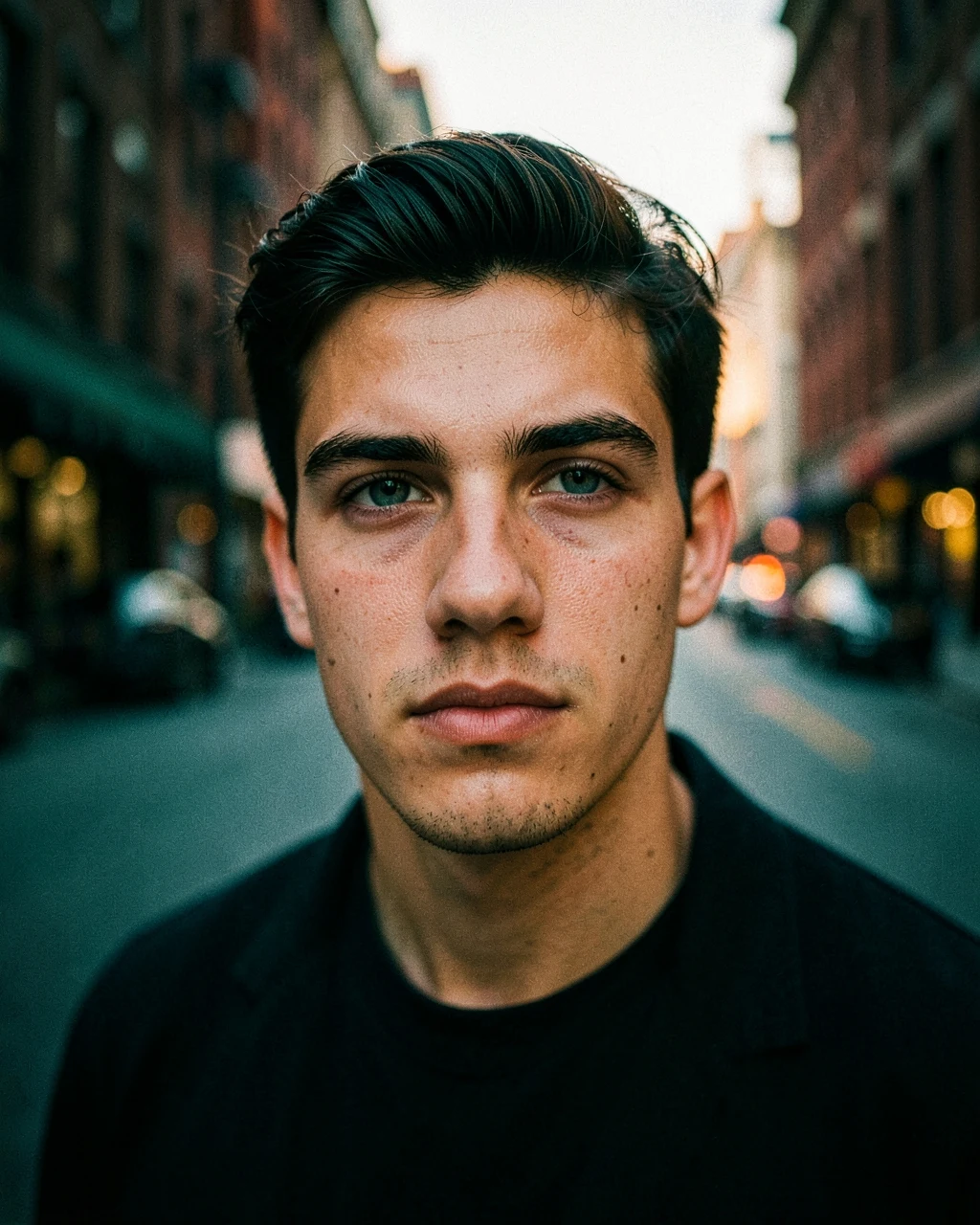
A pure colour edit. It leaves the scene in place, so it is the safest way to improve a photo.
Edit the uploaded photo. Keep every person's face, expression, body shape and identity exactly as they are. Apply a cinematic teal and orange colour grade. Keep warm, natural skin tones, push shadows gently to teal and highlights to amber, deepen the contrast and add a soft vignette with fine film grain. Do not change the composition, background objects or clothing. Photorealistic, natural skin texture, realistic hands, no text, no watermark. Aspect ratio 4:5.
Not quite right? Copy one of these and send it as your next message in the same chat.
Keep this exact image, but restore the face to match my uploaded photo exactly: same eyes, nose, lips, jawline and skin tone.
Keep everything the same, but fix the hands so each one has five natural fingers in a relaxed position.
Keep the same image, but make the skin look real, with natural texture and pores, and no beauty filter.
Keep the same image, but make it brighter, with the face clearly lit and natural skin tones.
Editing
Relight this photo as if it was taken an hour before sunset. Add warm directional sunlight from the side, soft long shadows and a gentle glow in the hair. Keep the location, clothes and pose exactly the same.
Editing
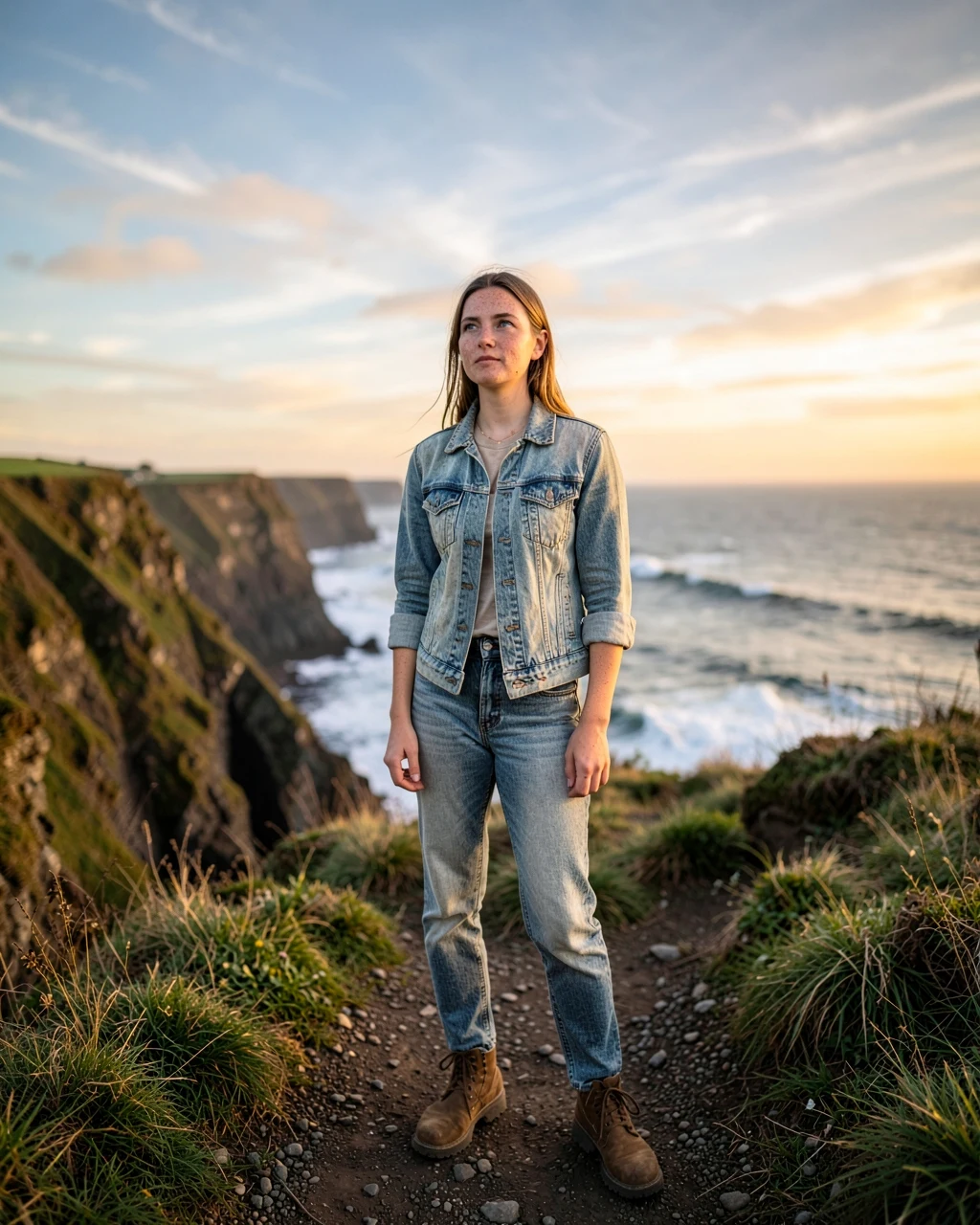
Replace the dull sky with a warm golden-hour sky with soft clouds. Adjust the light on the person and the scene so it matches the new sky naturally. Do not change the person, the clothes or the pose.
Editing
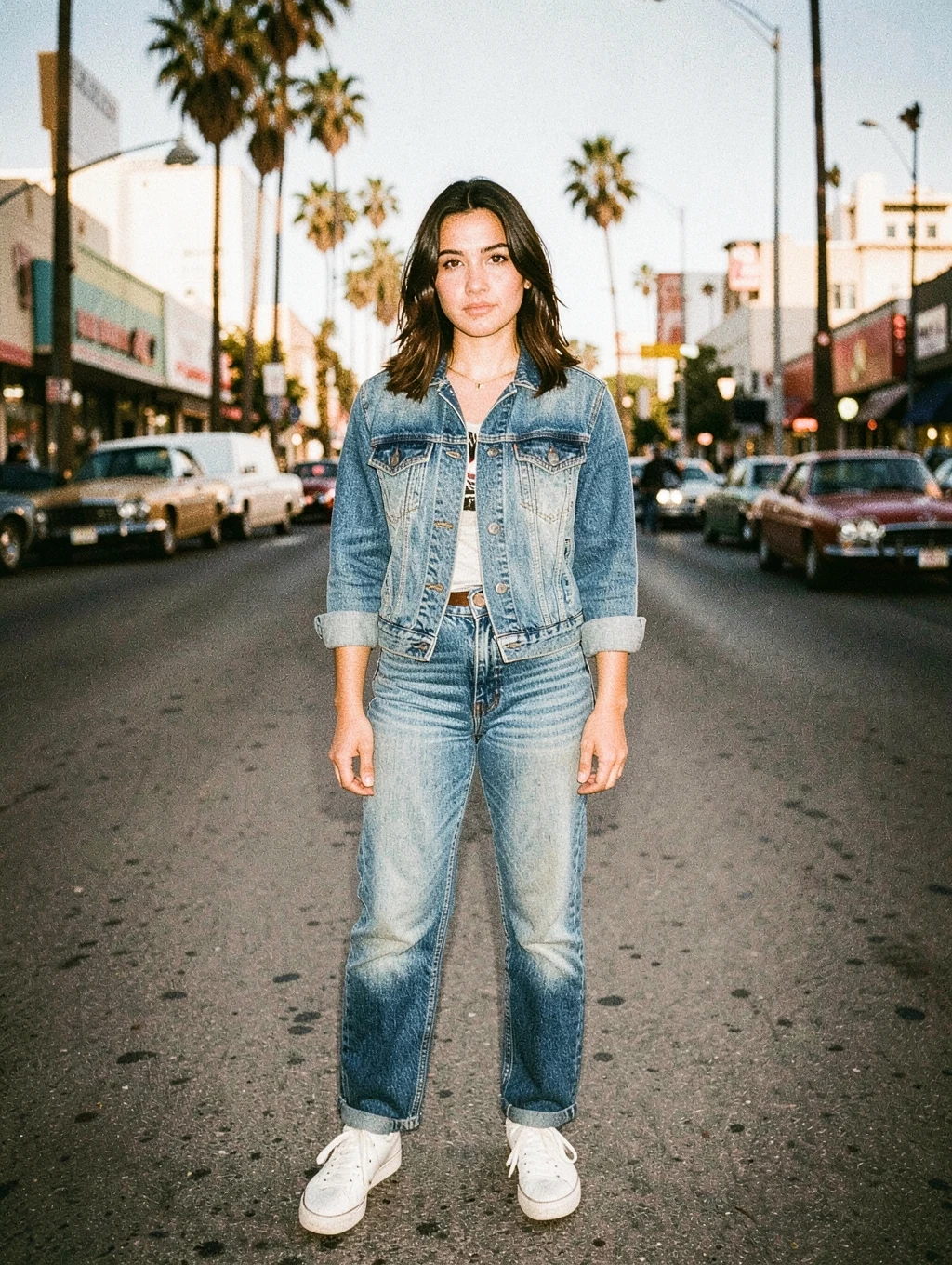
Make this photo look like a 1990s print from a film camera. Add warm faded colours, slightly lifted blacks, soft halation around bright lights, visible film grain and a mild direct-flash look. Do not change the composition, pose or background.
Editing
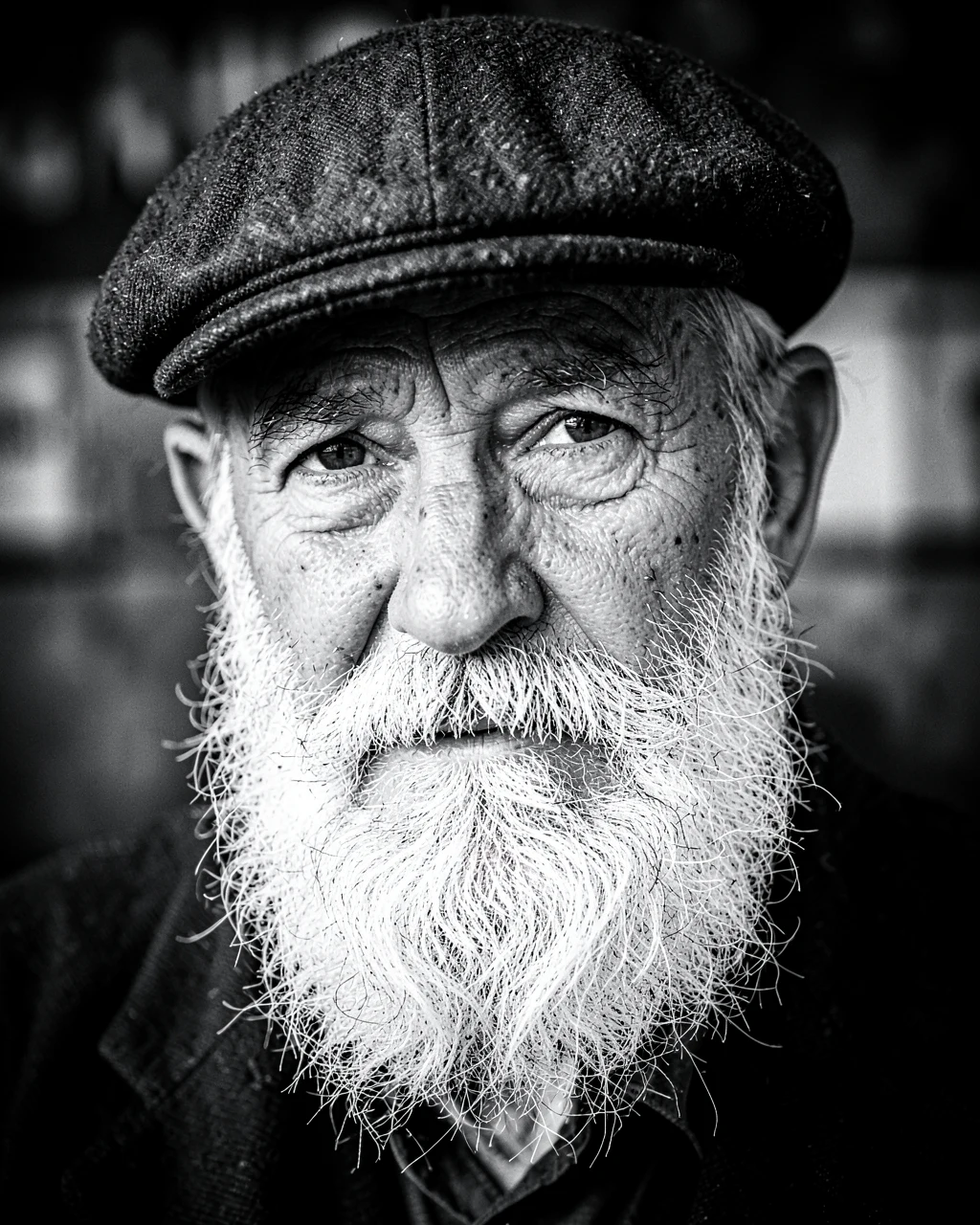
Convert this photo to high-contrast fine-art black and white. Keep rich blacks, clean whites, and detailed mid-tones in hair, skin and fabric. Add light fine grain and a subtle dark vignette. Do not change anything else.
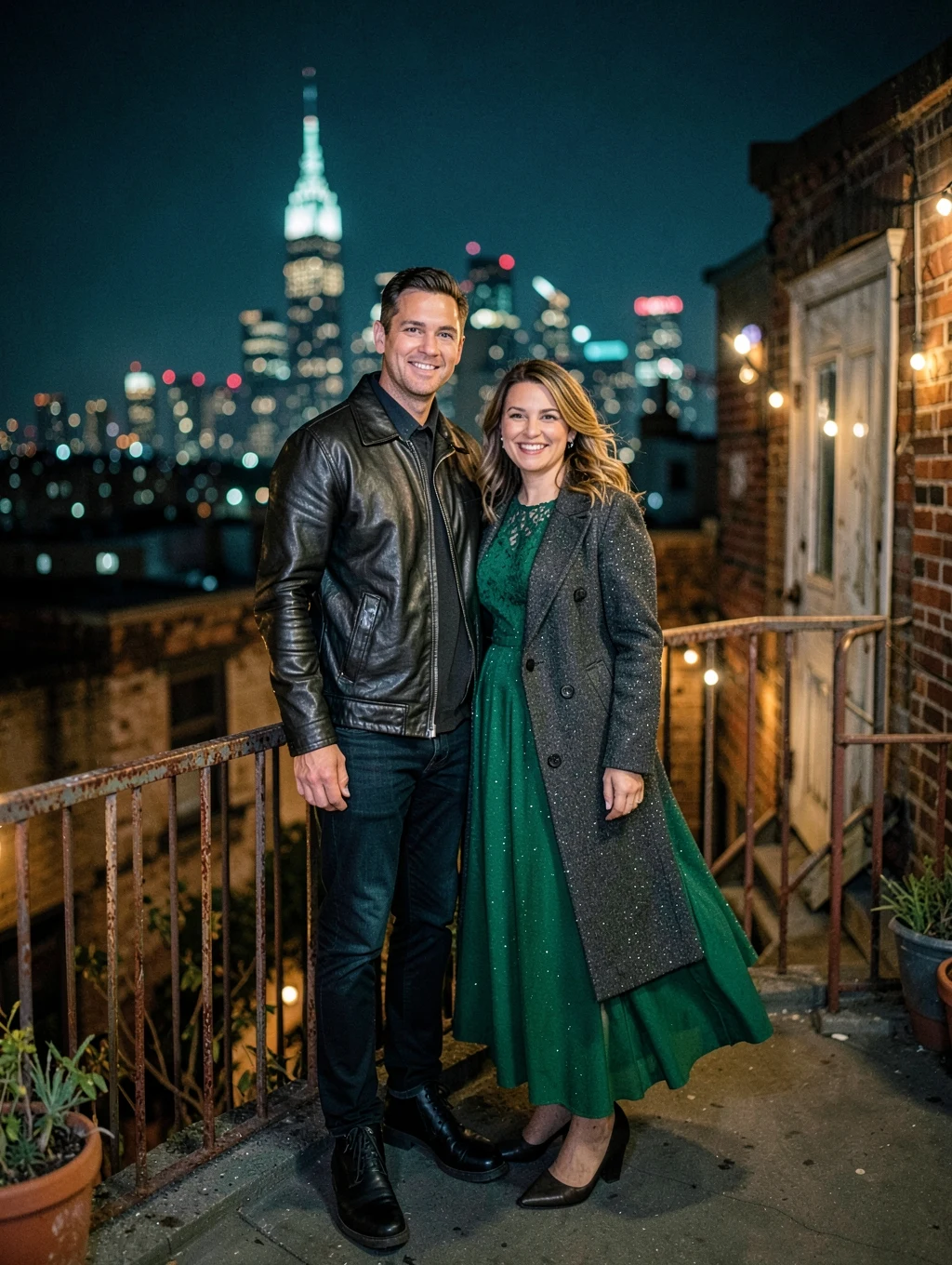
Couple
Place them on a Brooklyn rooftop at night, standing side by side at a railing and smiling toward the camera. He wears a black jacket, she wears an emerald long-sleeved dress and a coat. The Manhattan skyline forms round bokeh behind them. Warm string lights keep both faces clearly lit, cinematic teal and amber colour, 85mm lens.
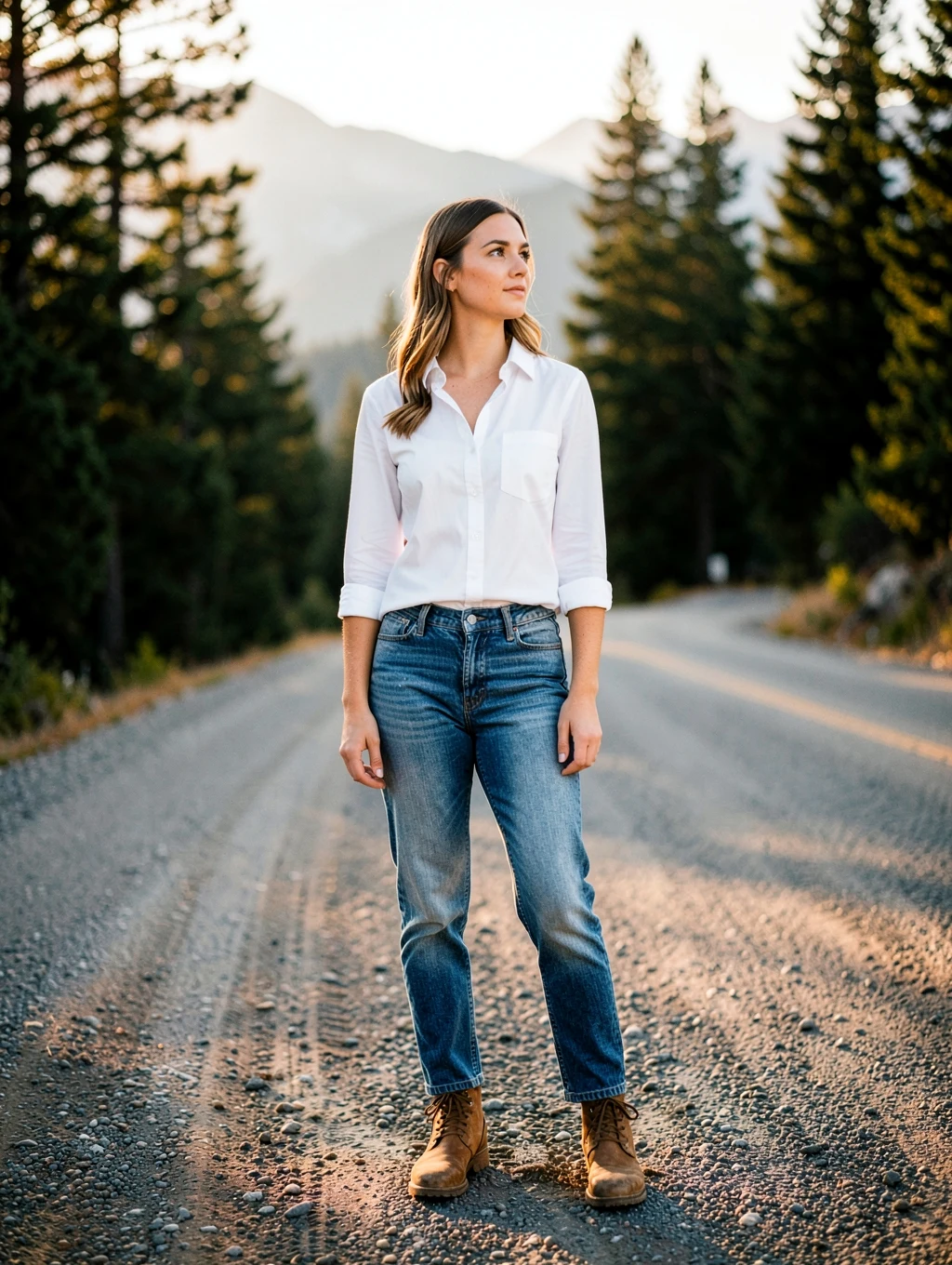
Editing
Replace only the background with [a quiet Colorado mountain road at golden hour]. Do not change the person's pose, clothing or framing. Match the light direction, colour and shadows on the person to the new background so the photo looks taken on location.
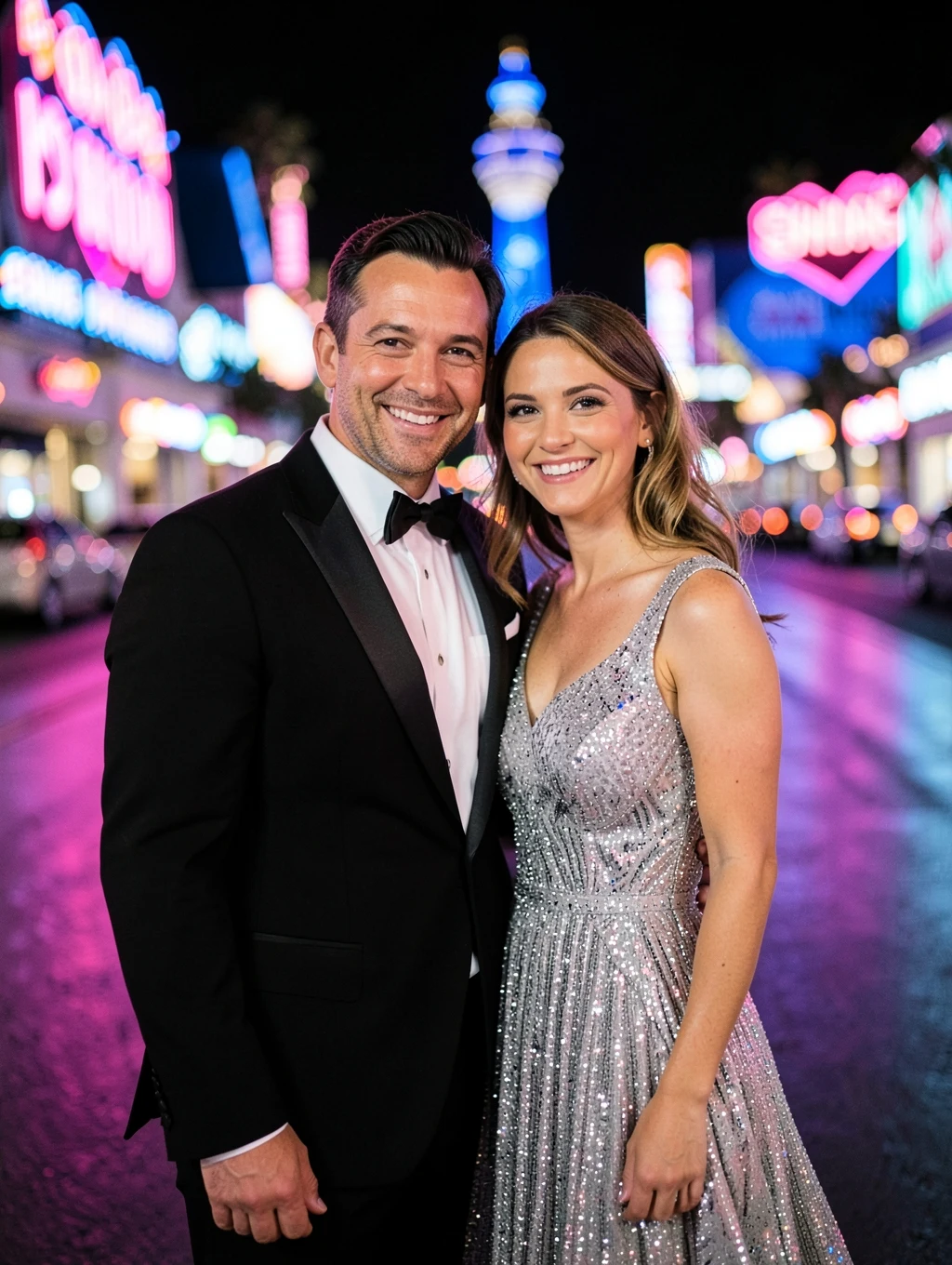
Couple
Show them dressed up on the Las Vegas Strip at night, smiling close together. He wears a black tuxedo jacket, she wears a sparkling silver dress. Pink and blue neon casinos glow out of focus behind them, with colourful light on their faces. Any signs are blurred, 85mm lens.
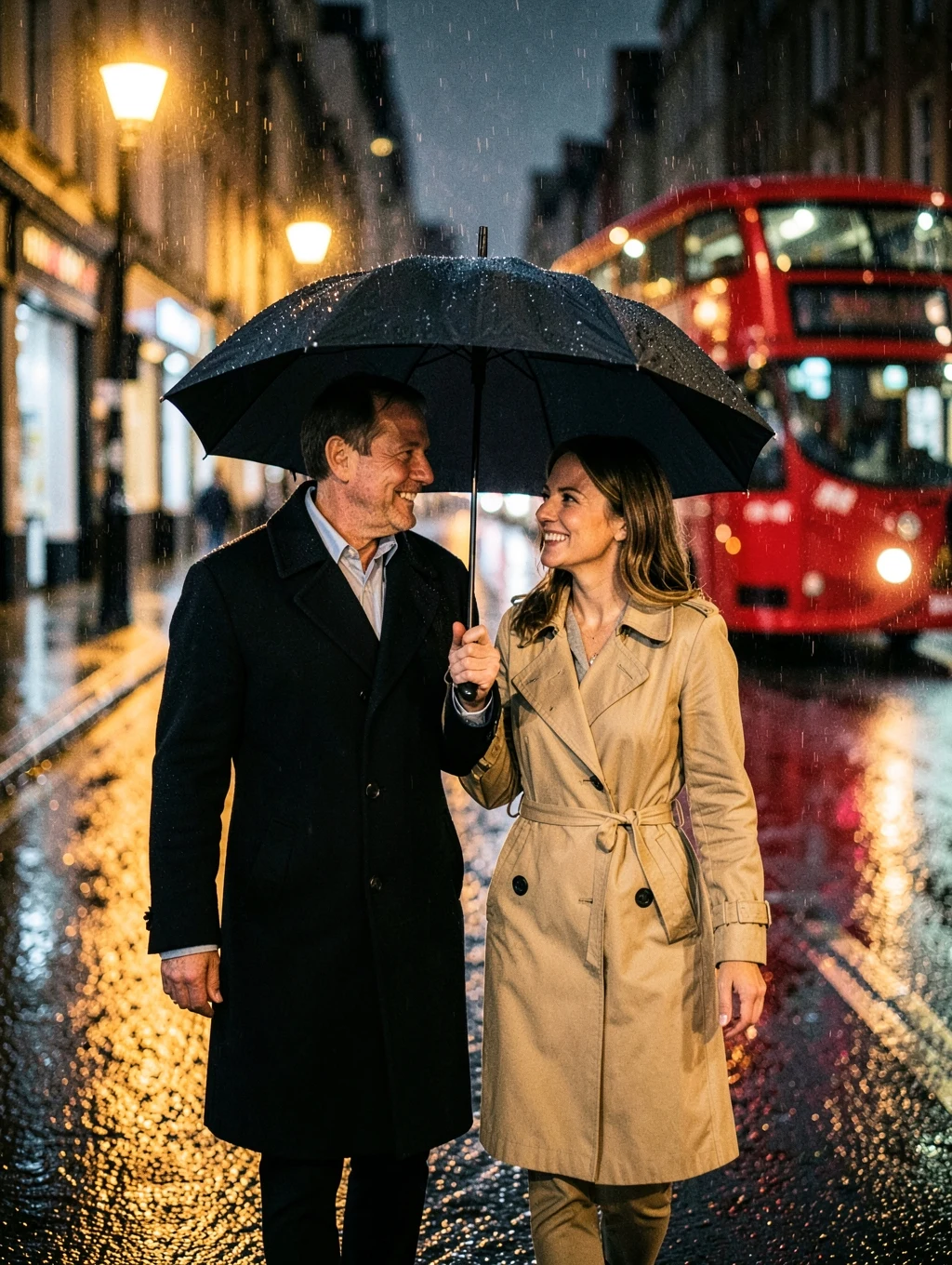
Couple
Show them sharing one black umbrella on a wet London street at night, smiling at each other as they walk toward the camera. He wears a dark overcoat, she wears a beige trench coat. A red double-decker bus passes out of focus, and the wet road reflects warm street lamps. Visible rain, cinematic colour, 50mm lens.