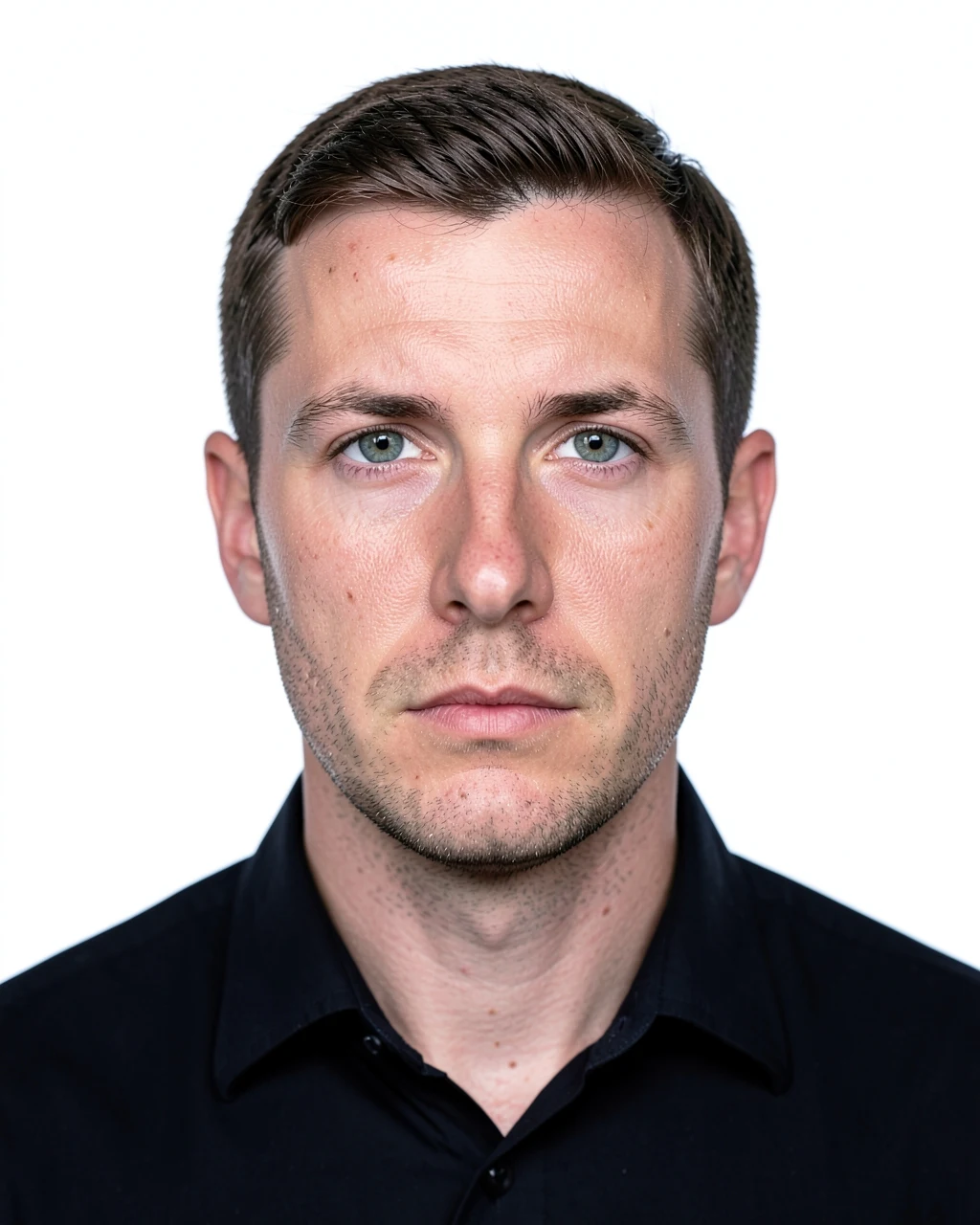
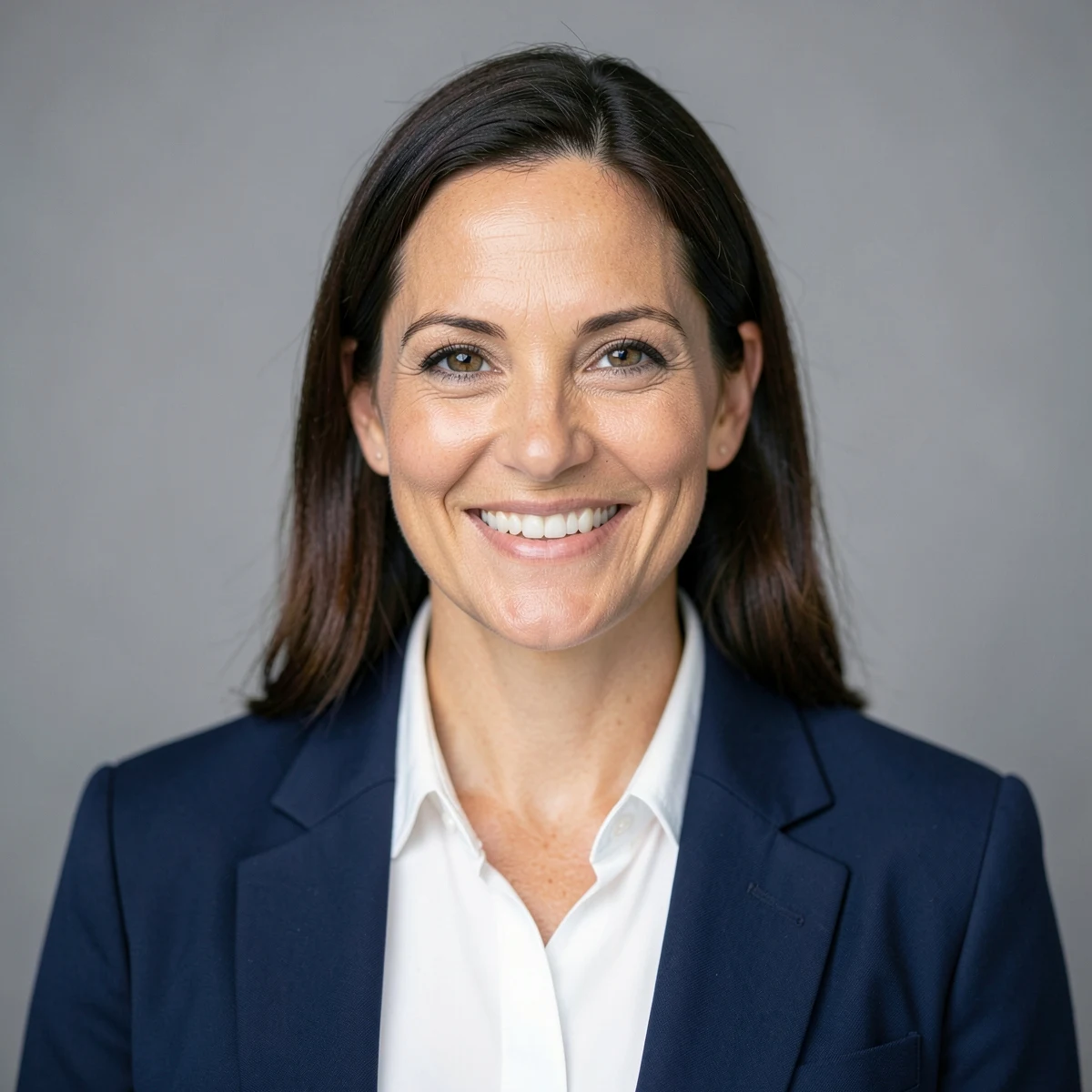
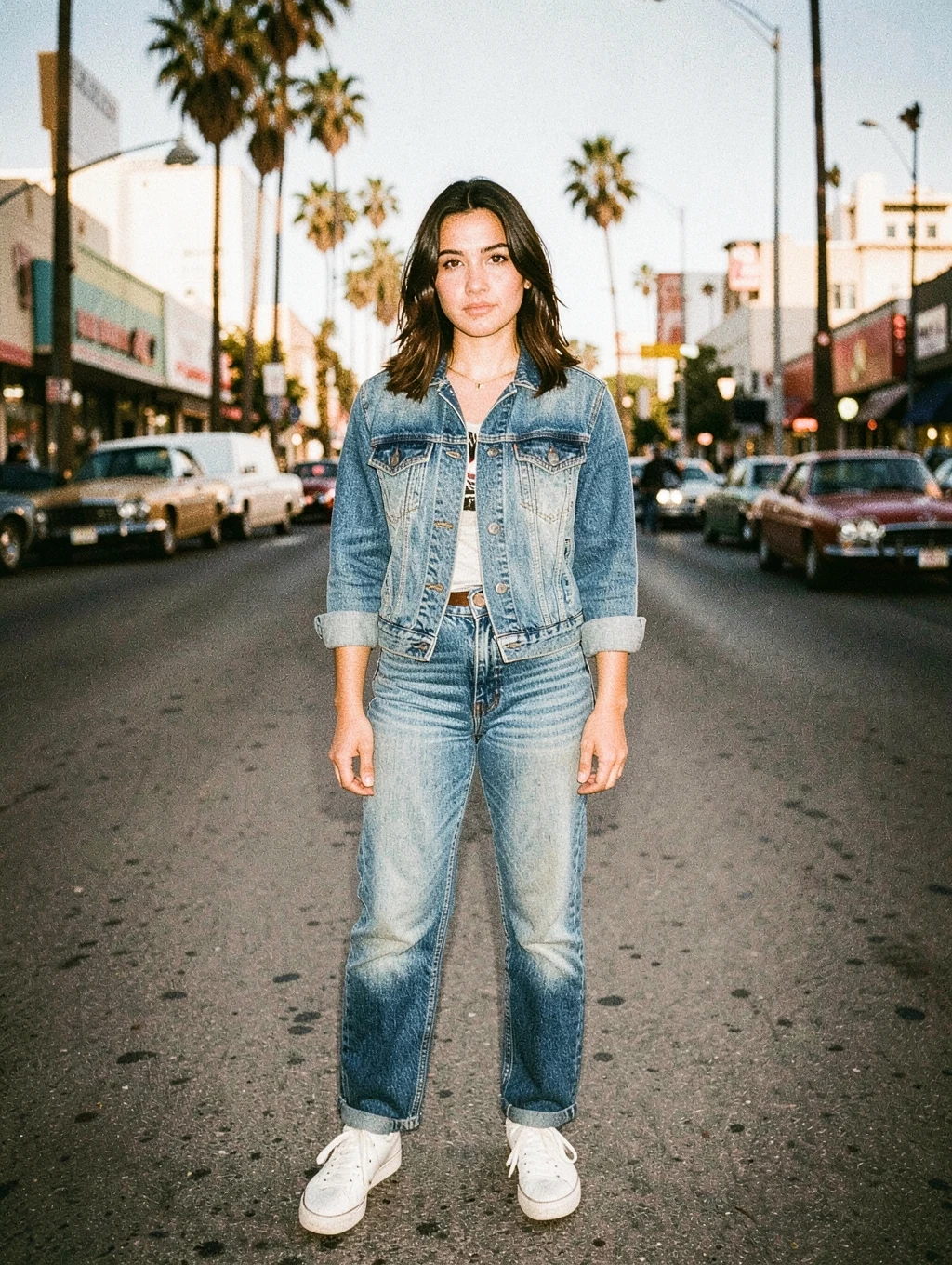
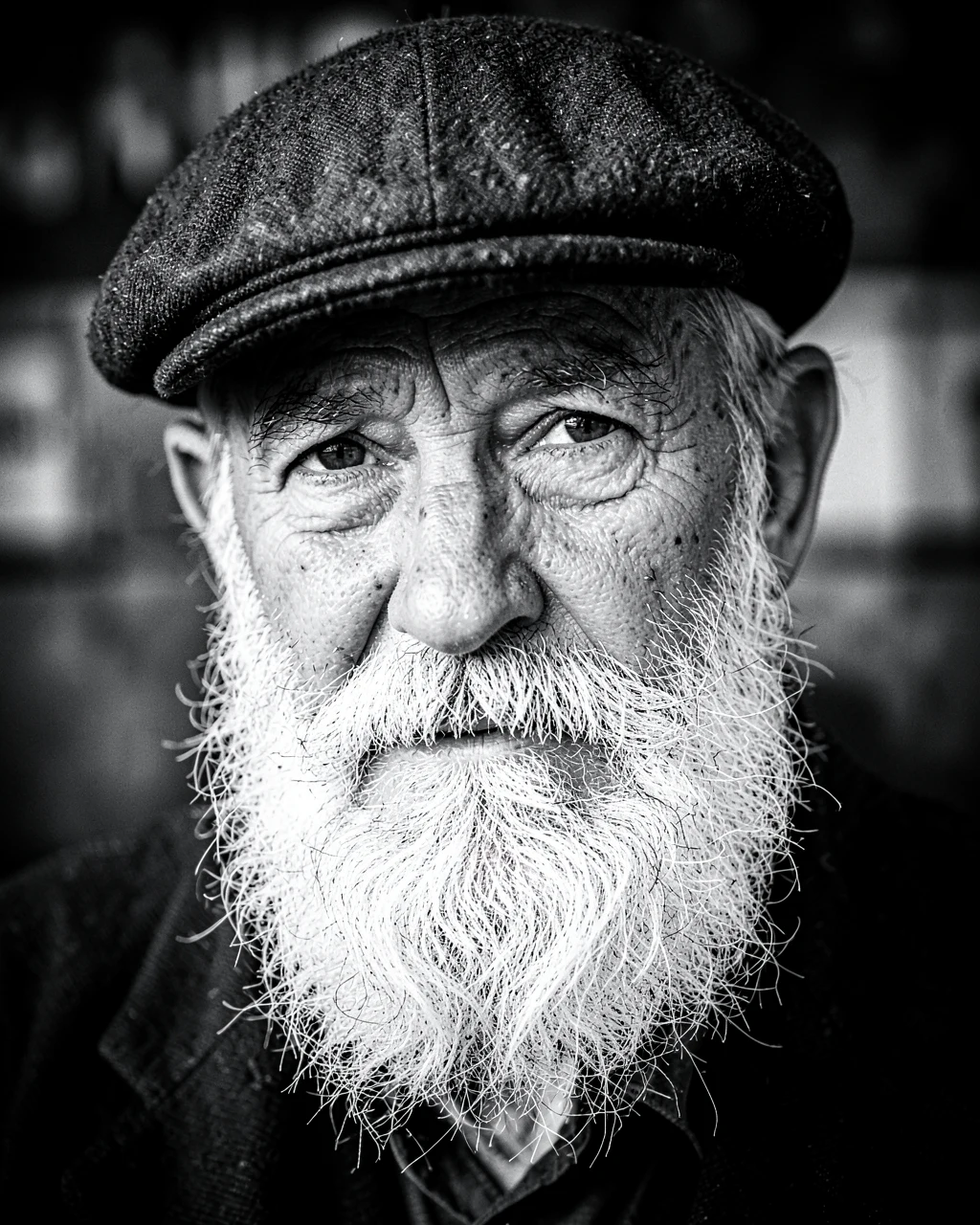
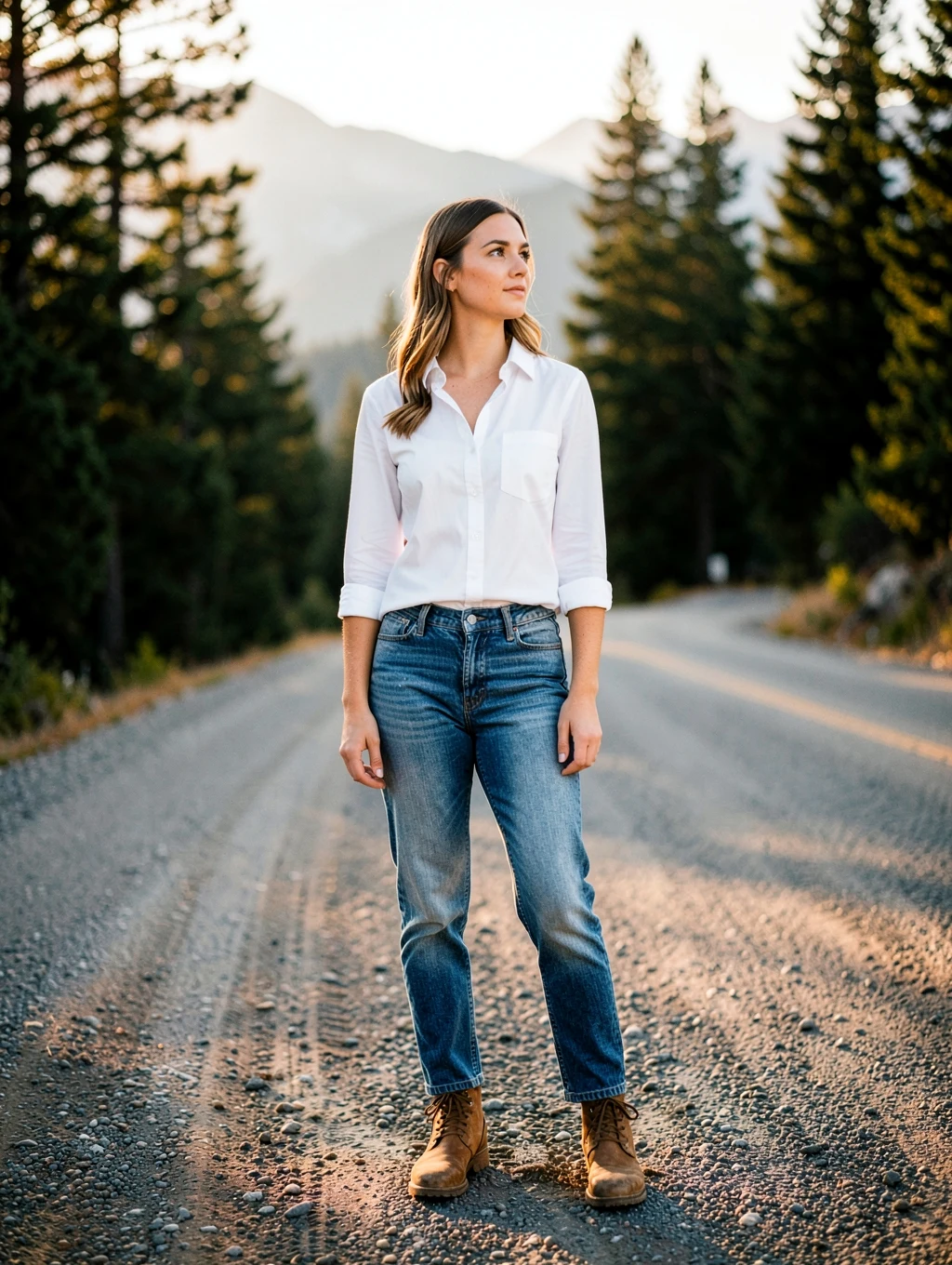
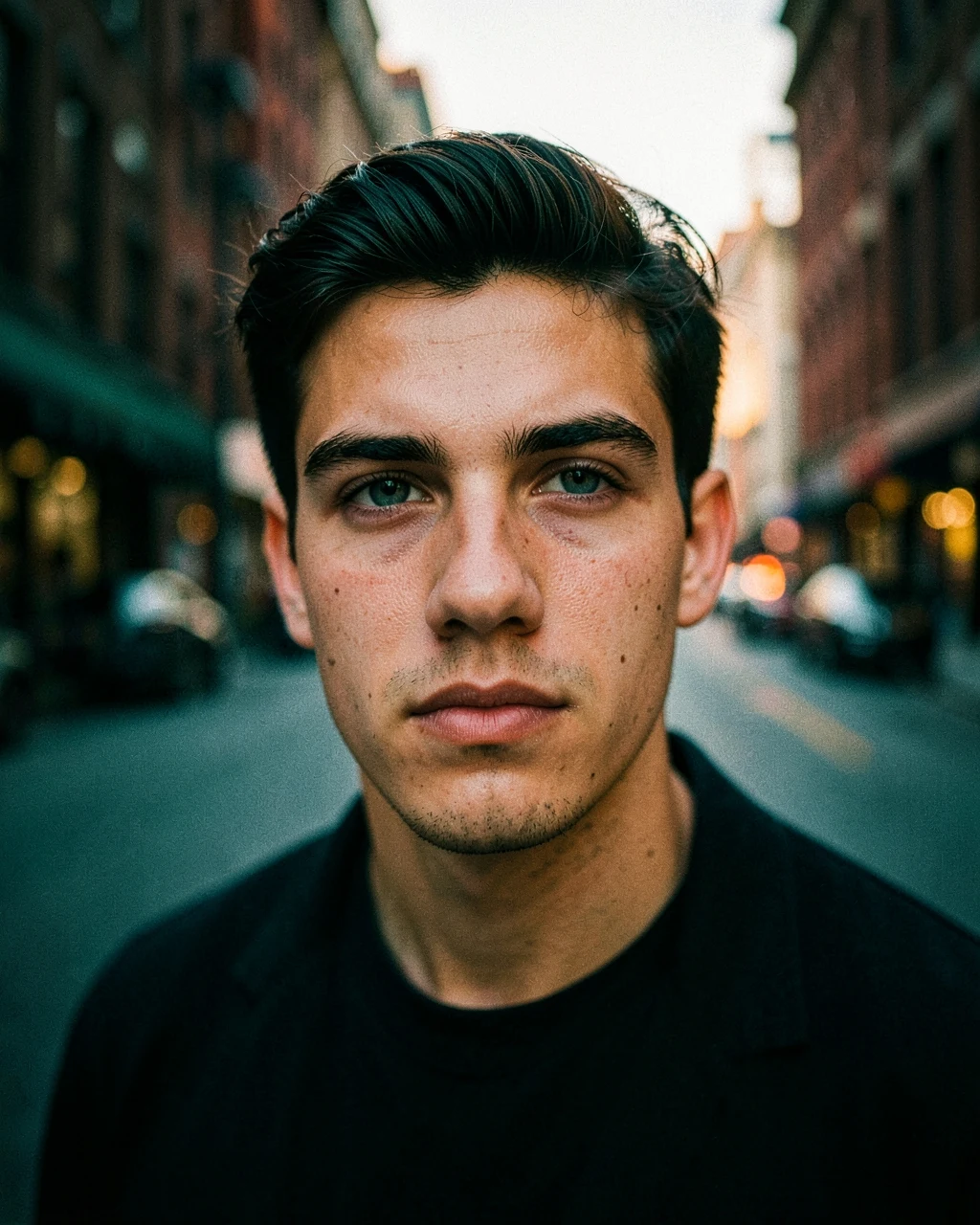
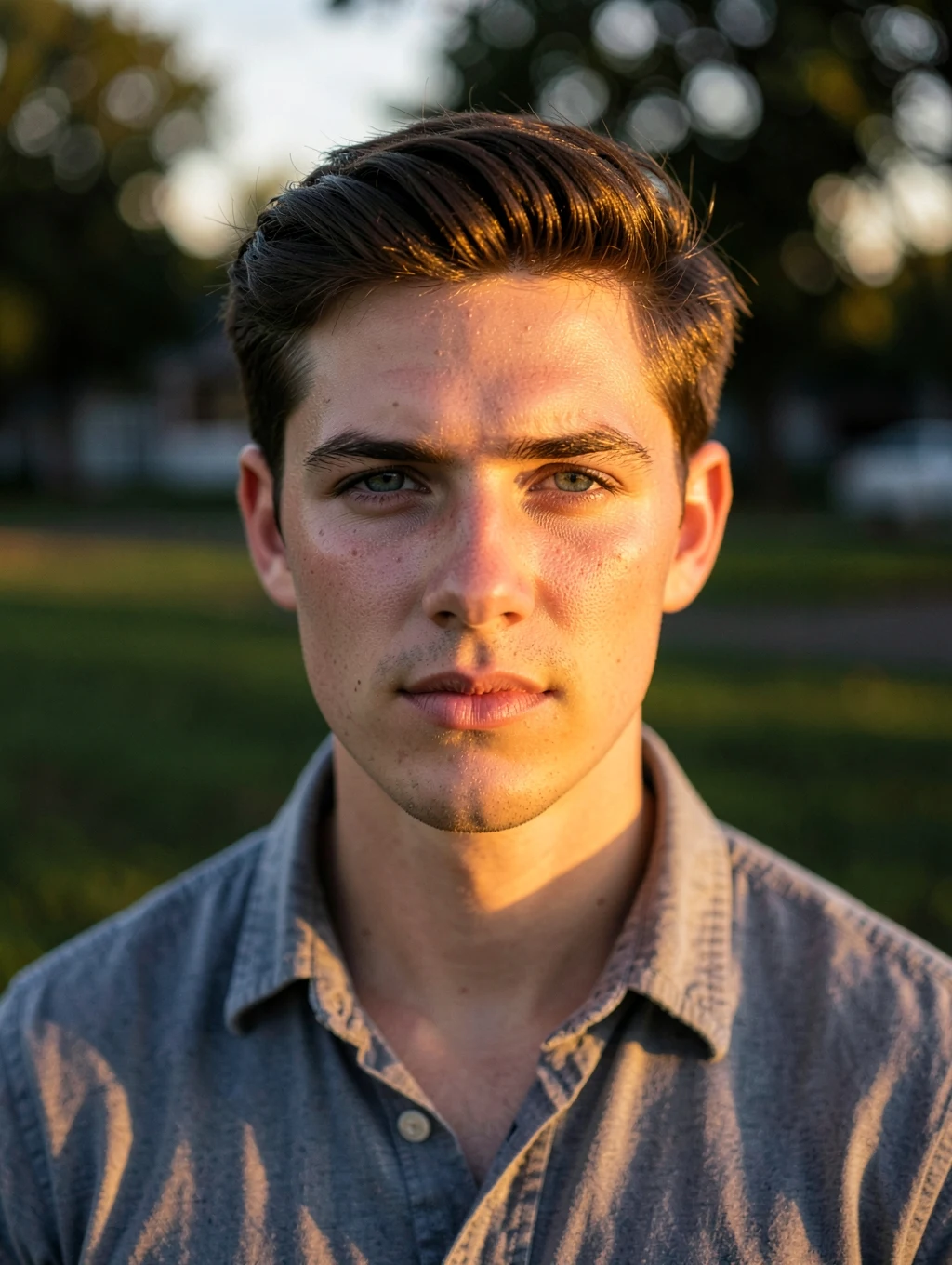
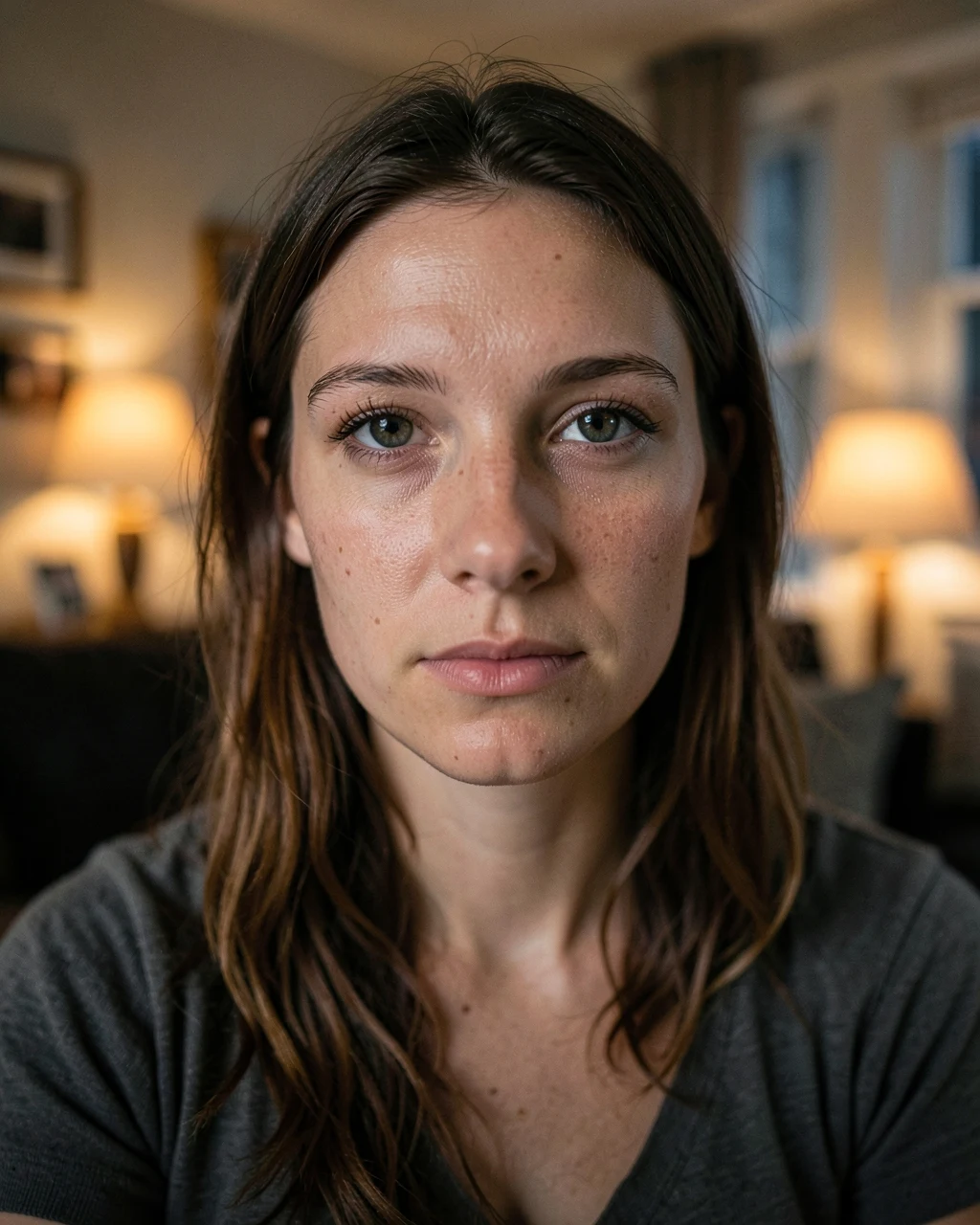
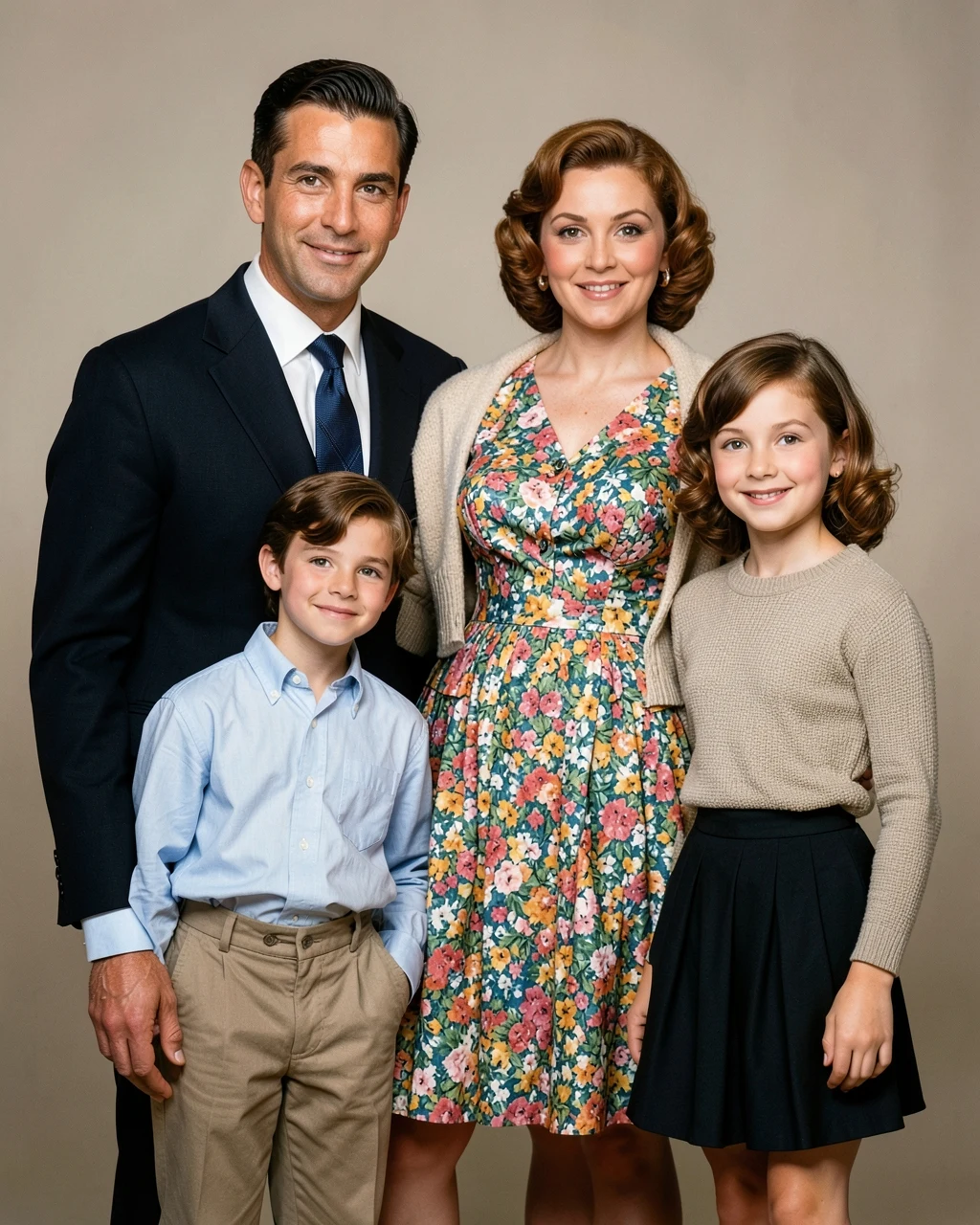
An AI example with fictional people. Your result depends on your photo and the app you use.
Passport Style White Background
Fine for casual forms. Many government offices reject AI-edited photos, so check the rules first.
Customise this prompt
Ratio
Edit the uploaded photo. Keep every person's face, expression, body shape and identity exactly as they are. Convert this into a passport-style photo. Keep the head straight and centred with shoulders visible. Replace the background with plain white. Use even front lighting with no shadows. Add a plain dark collared shirt if the clothing is too casual. Do not smooth the skin or change any facial feature. Photorealistic, natural skin texture, realistic hands, no text, no watermark. Aspect ratio 4:5.
Create a professional corporate headshot from the chest up, with a friendly natural smile. Dress the person in a well-fitted navy blazer with a plain white shirt. Plain soft grey background, even studio light, sharp focus on the eyes, 85mm lens.
Make this photo look like a 1990s print from a film camera. Add warm faded colours, slightly lifted blacks, soft halation around bright lights, visible film grain and a mild direct-flash look. Do not change the composition, pose or background.
Convert this photo to high-contrast fine-art black and white. Keep rich blacks, clean whites, and detailed mid-tones in hair, skin and fabric. Add light fine grain and a subtle dark vignette. Do not change anything else.
Replace only the background with [a quiet Colorado mountain road at golden hour]. Do not change the person's pose, clothing or framing. Match the light direction, colour and shadows on the person to the new background so the photo looks taken on location.
Apply a cinematic teal and orange colour grade. Keep warm, natural skin tones, push shadows gently to teal and highlights to amber, deepen the contrast and add a soft vignette with fine film grain. Do not change the composition, background objects or clothing.
Relight this photo as if it was taken an hour before sunset. Add warm directional sunlight from the side, soft long shadows and a gentle glow in the hair. Keep the location, clothes and pose exactly the same.
Fix this dark, noisy photo. Brighten the subject naturally, reduce noise, correct the white balance and recover detail in the face and clothes. Keep the original mood and light sources. It should look like a clean photo from a better camera.
Restore this old damaged photograph. Remove scratches, creases, stains and fading. Gently sharpen details and recover natural contrast. Add realistic, period-appropriate colour to skin, clothes and background. Do not modernise the clothing, hairstyle or setting.